If Webshots says your Photo Directory is read-only and you are running Avast, Avast's Ransomware Shield has incorrectly marked your Webshots directory as a protected folder. This is a false positive — an error by Avast, not an issue with Webshots. We submit every Webshots release to Microsoft for a safety review before publishing it to the Microsoft Store and our website.
Note that Microsoft recommends its own built-in Windows Defender and not third-party antivirus like Avast: here →
This article also explains why you no longer need to pay for antivirus software: here →
Easiest fix: remove Avast or use the Microsoft Store version
The simplest solution is to remove Avast as Microsoft recommends, or download Webshots from the Microsoft Store instead: here →
The Store version is the exact same Webshots application, but antivirus programs treat it differently. Microsoft independently verifies Store apps as safe, so Avast and other antivirus programs automatically trust them and will not block file access.
Alternative: remove Webshots from Avast's Ransomware Shield
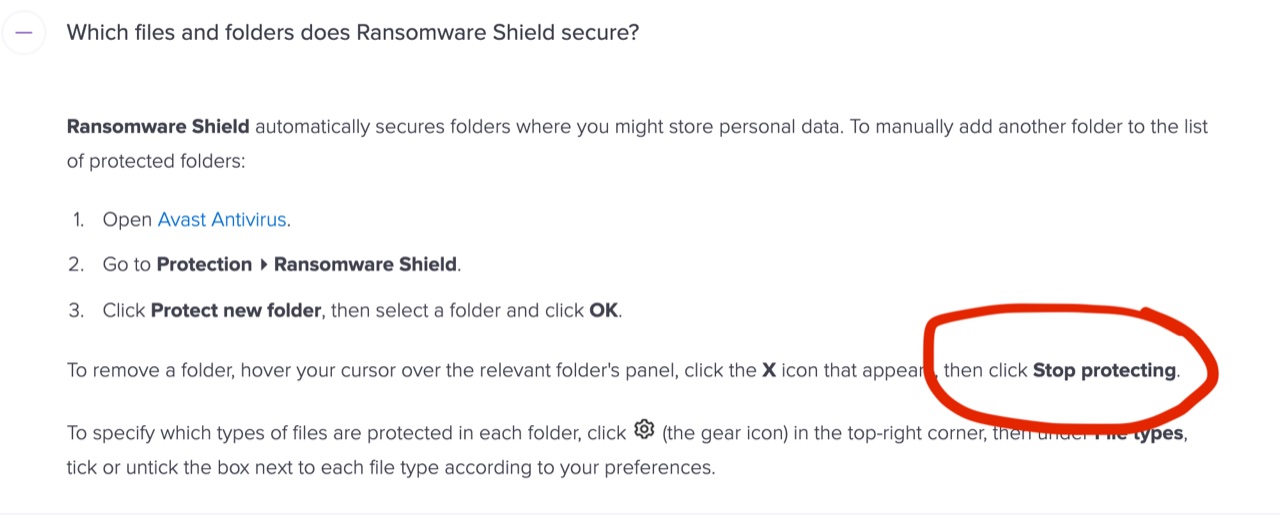
If you prefer to keep Avast, open the Avast Ransomware Shield settings and make sure no Webshots directories are listed as protected folders:
Alternative: change your Webshots photo directory
You can also move your photo directory away from Avast's watched folders. Go to Settings → Application → Change Photo Directory and select "Items". This moves your photos to C:\WebshotsItems, which resolves the read-only issue.