Free Automatic Wallpaper Changer App
Free wallpaper software that works as a scheduled wallpaper changer — rotate your desktop background hourly, daily, or randomly from thousands of HD & 4K photos. Includes a daily wallpaper feed, screensaver, and desktop calendar.
By downloading Webshots, you accept our Terms of Use and Privacy Policy
Automatic wallpaper rotation
Scheduled or random wallpaper changer — rotate hourly, daily, at startup, or shuffle randomly
Thousands of HD & 4K wallpapers
New daily wallpapers added — 2 fresh photos every day across nature, travel, animals, and cityscapes
Free desktop screensaver
Built-in screensaver software cycles through your photos when idle
Desktop calendar overlay
Optional calendar displayed over your wallpaper — date always in view
Custom photo playlists
Curate collections on webshots.com and rotate them on your desktop
Windows 10 & 11
SmartScreen Warning: You may see a "Windows protected your PC" message. This is normal for new software. To proceed:
- Click "More info" on the SmartScreen popup
- Click "Run anyway" to continue the installation
After downloading either, open the installer from your Downloads folder and select "Run or Open"
macOS
Apple Silicon (Mx)
Download for Apple SiliconAfter downloading, open the .dmg file and drag Webshots to Applications
Getting Started
Automatic Updates
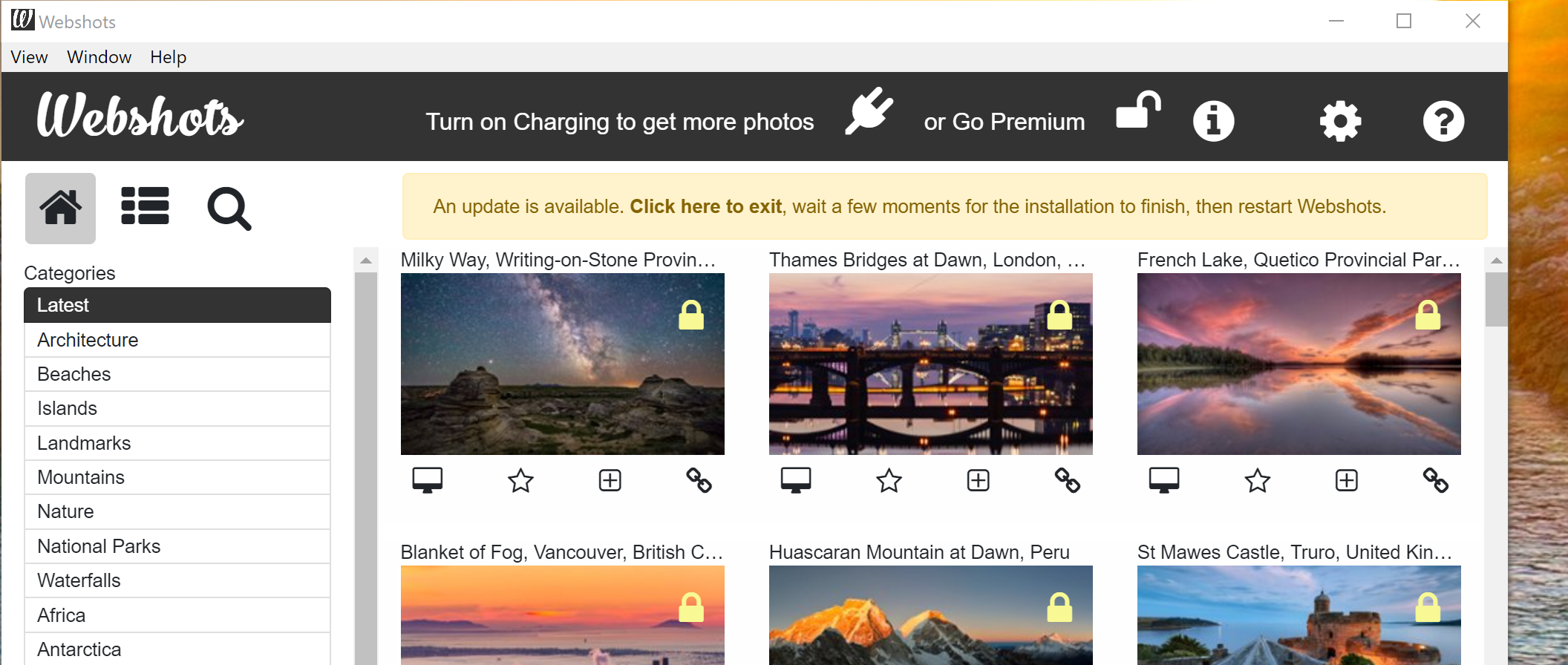
The easiest way to keep Webshots up-to-date is through automatic updates
Release Notes
New look, improved screen savers, bug fixes.
New look, improved screen savers, bug fixes particularly with blank savers and notifications.
Improved screen savers, new screen saver, new colomn layout, improved notifications
Improved screen savers, new screen saver, new colomn layout, improved notifications, bug fixes.
Improved startup, bug fixes
Fixed startup when documents are read only. Bug fixes.
New calendar themes, bug fixes.
Nice new calendars, fixes for read only Webshots photo directories.
Remove Google Photos support, 5k support, bug fixes
Google removed Photos api so had to remove from Webshots, 5k support, bug fixes