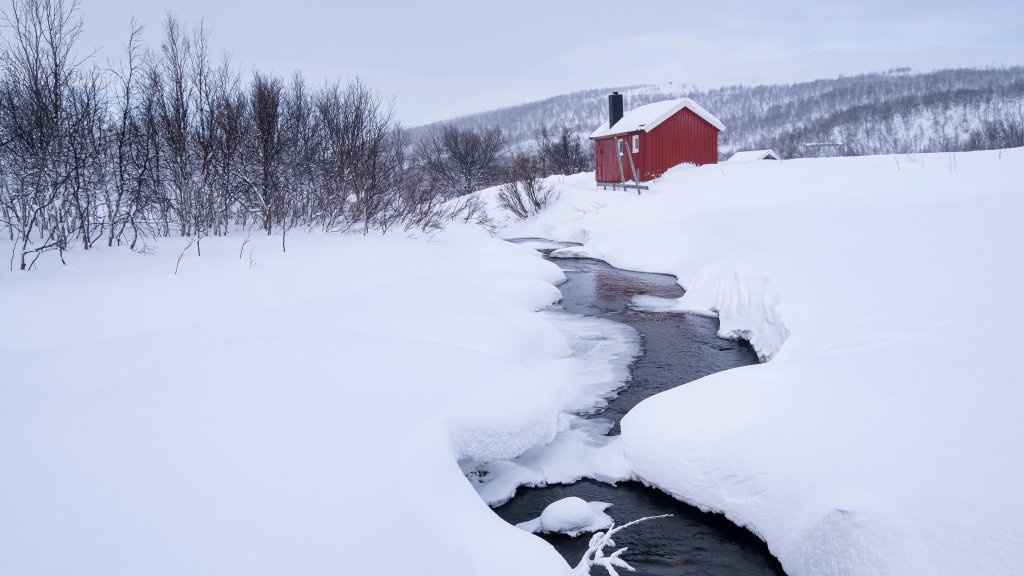
Hytte, Finnmark Plateau, Norway
Sign in to add this photo to your favorites and desktop wallpaper rotation.
Hytte refers to a traditional Norwegian cabin or cottage, often used as a retreat or vacation home. In the context of the Finnmark Plateau in Norway, a hytte would typically be a rustic, cozy structure designed to withstand the harsh weather conditions of the region. The Finnmark Plateau, located in the far north of Norway, is known for its vast, open landscapes, sparse vegetation, and extreme climate, characterized by cold temperatures and strong winds. These cabins are usually built from wood and may feature traditional Norwegian architectural elements, such as turf roofs, which provide additional insulation. Inside, a hytte is often simply furnished, focusing on comfort and practicality, with amenities like a wood-burning stove for heating and cooking. Many hyttes are off-grid, lacking modern utilities such as electricity and running water, which adds to their charm and appeal for those seeking a peaceful escape into nature. The Finnmark Plateau itself is a unique and remote area, offering opportunities for outdoor activities such as hiking, fishing, and cross-country skiing. It is also a place where one can experience the natural beauty of the Arctic, including the Northern Lights during the winter months and the Midnight Sun in the summer. Staying in a hytte on the Finnmark Plateau provides a chance to disconnect from the hustle and bustle of everyday life and immerse oneself in the serene and rugged wilderness of northern Norway.