Assiniboine Park, Winnipeg, Canada
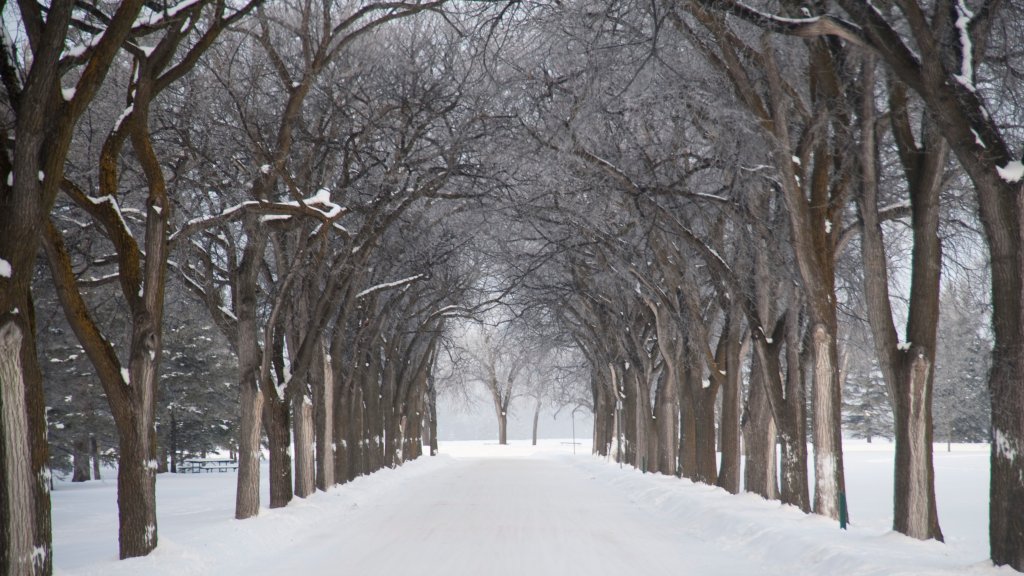
Sign in to add this photo to your favorites and desktop wallpaper rotation.
Assiniboine Park is a major urban park located in Winnipeg, Manitoba, Canada. It is one of the city's most popular attractions, offering a wide range of activities and features for visitors of all ages. Established in 1904, the park covers approximately 1,100 acres and is situated along the Assiniboine River, providing beautiful natural scenery and a tranquil environment. One of the key attractions within Assiniboine Park is the Assiniboine Park Zoo, which is home to a diverse collection of animals from around the world, including polar bears, tigers, and red pandas. The zoo is particularly noted for its Journey to Churchill exhibit, which focuses on the wildlife and ecosystems of northern Manitoba. The park also features the Leo Mol Sculpture Garden, which showcases the works of renowned Ukrainian-Canadian artist Leo Mol. This garden offers a peaceful setting with beautifully landscaped grounds and a variety of sculptures. For those interested in horticulture, the Assiniboine Park Conservatory is a must-visit. Although the original conservatory building was closed in 2018, plans for a new conservatory, known as The Leaf, are underway, promising to offer an innovative and immersive plant experience. Assiniboine Park is also home to numerous walking and biking trails, picnic areas, and playgrounds, making it a perfect spot for outdoor recreation. The Pavilion Gallery Museum, located within the park, features art exhibits and historical displays, adding a cultural element to the park experience. Throughout the year, Assiniboine Park hosts various events and festivals, including concerts, art shows, and seasonal celebrations, making it a vibrant part of Winnipeg's community life. Whether you're looking to explore nature, enjoy cultural attractions, or simply relax with family and friends, Assiniboine Park offers something for everyone.