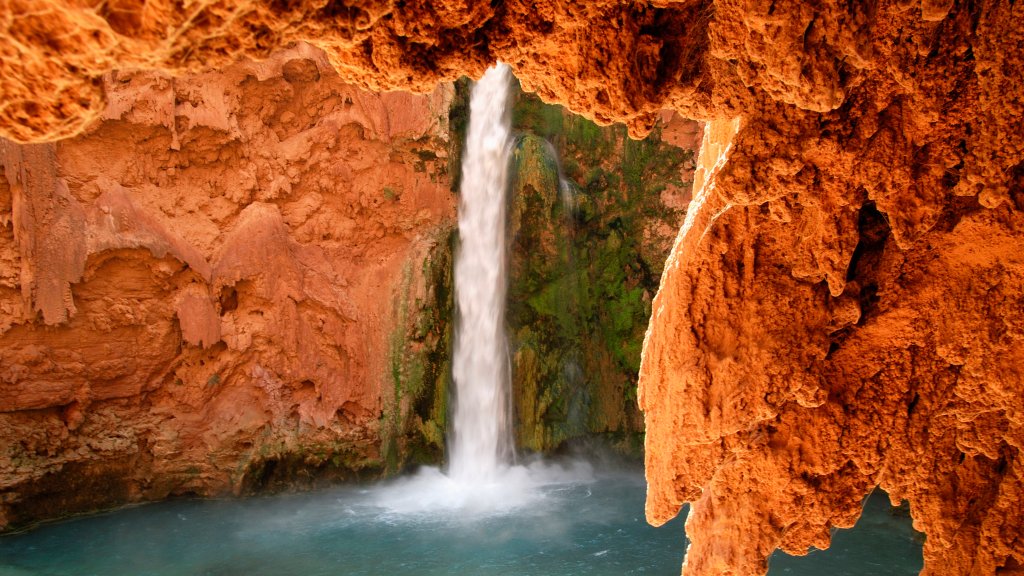
Mooney Falls, Havasu Canyon, Arizona
Sign in to add this photo to your favorites and desktop wallpaper rotation.
Mooney Falls is a stunning 190-foot waterfall located in Havasu Canyon, within the Havasupai Indian Reservation in Arizona. It is one of the most famous waterfalls in the Grand Canyon region, known for its breathtaking beauty and turquoise blue waters. To reach Mooney Falls, visitors must embark on a challenging hike through the canyon, which involves steep switchbacks, ladders, and chains to help navigate the rocky terrain. The hike is approximately 10 miles round trip from the trailhead at Hualapai Hilltop, making it a full day adventure. Once at the base of the waterfall, visitors can swim in the cool waters below the cascading falls, relax on the sandy beach, or take in the incredible views of the surrounding canyon walls. The sheer size and power of Mooney Falls make it a must-see destination for nature lovers and outdoor enthusiasts. Visitors to Havasu Canyon and Mooney Falls must obtain a permit from the Havasupai Tribe to access the area, as it is located within their reservation. The permits are limited and in high demand, so it is recommended to plan ahead and make reservations well in advance.