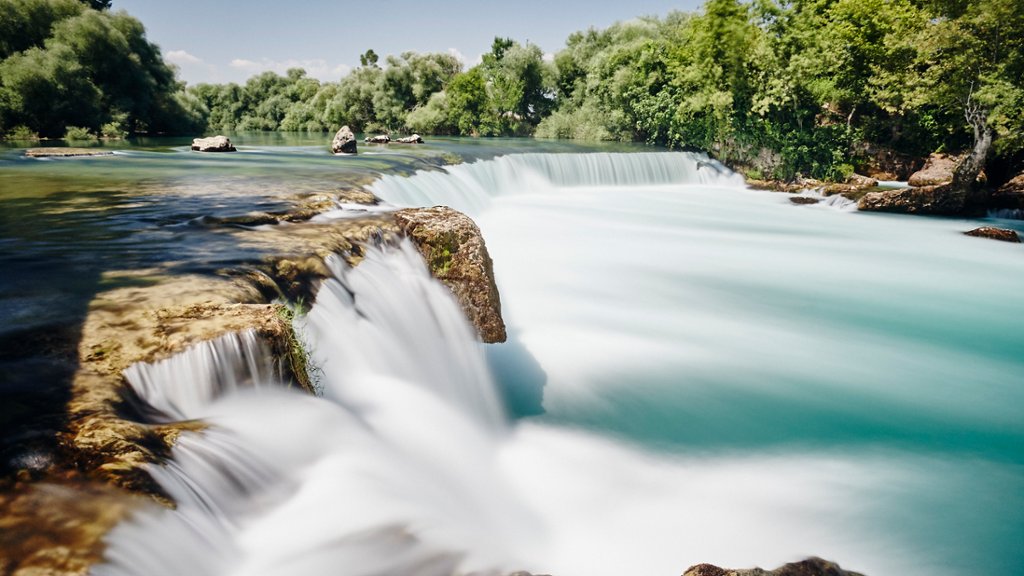
Manavgat Waterfall, Antalya, Turkey
Sign in to add this photo to your favorites and desktop wallpaper rotation.
Manavgat Waterfall is a beautiful natural wonder located near the town of Manavgat in Antalya, Turkey. The waterfall is formed by the Manavgat River cascading down from a height of about 3 meters into a small pool below. The surrounding area is lush and green, with picnic areas and walking trails where visitors can relax and enjoy the stunning scenery. The waterfall is a popular tourist attraction in Antalya, drawing visitors from all over the world who come to admire its beauty and take in the peaceful atmosphere. The area around the waterfall is also home to a variety of wildlife, including birds, fish, and turtles, making it a great spot for nature lovers and birdwatchers. Visitors can swim in the pool at the base of the waterfall, take a boat ride on the river, or simply relax and enjoy the sights and sounds of nature. There are also several cafes and restaurants nearby where visitors can grab a bite to eat or enjoy a refreshing drink. Overall, Manavgat Waterfall is a must-visit destination for anyone traveling to Antalya, offering a peaceful and picturesque escape from the hustle and bustle of city life.