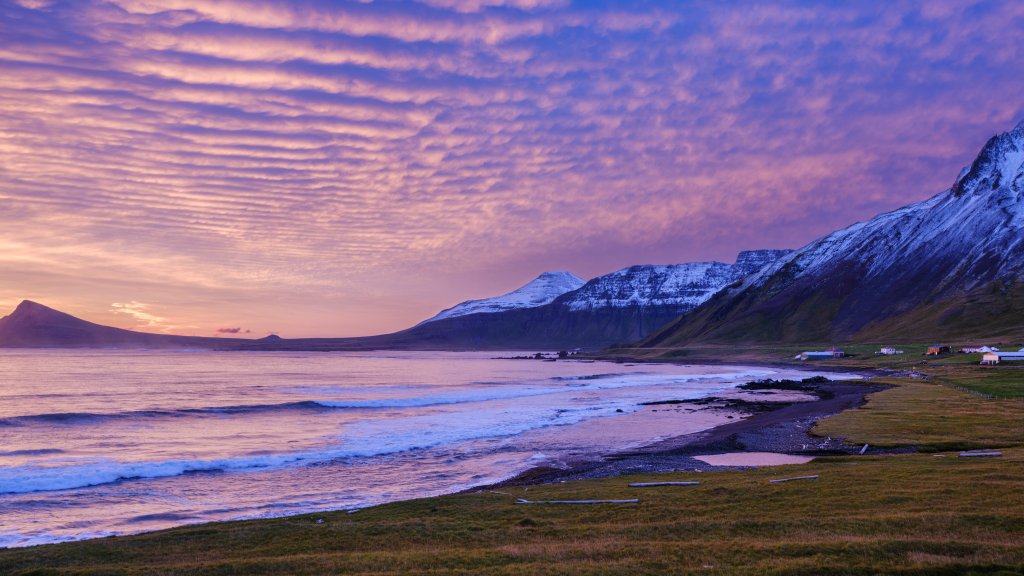
Trekyllisvik Bay, Iceland
Sign in to add this photo to your favorites and desktop wallpaper rotation.
Trekyllisvik Bay is a picturesque bay located in the Westfjords region of Iceland. Known for its stunning natural beauty, the bay is surrounded by dramatic landscapes, including rugged cliffs and sweeping vistas of the North Atlantic Ocean. The area is relatively remote, offering a sense of tranquility and an opportunity to experience Iceland's unspoiled nature. The Westfjords region, where Trekyllisvik Bay is situated, is one of the least populated areas in Iceland, which contributes to its untouched charm. Visitors to the bay can enjoy activities such as hiking, bird watching, and exploring the unique geological formations in the area. The bay is also a great spot for observing marine life, including seals and various seabirds. The nearby village of Drangsnes provides a convenient base for exploring Trekyllisvik Bay and the surrounding region. The village offers basic amenities and is known for its hot tubs, which are popular among locals and tourists alike for relaxing while enjoying the scenic views. Overall, Trekyllisvik Bay is a hidden gem in Iceland, offering a peaceful retreat for those looking to escape the more crowded tourist destinations and immerse themselves in the natural beauty of the Westfjords.