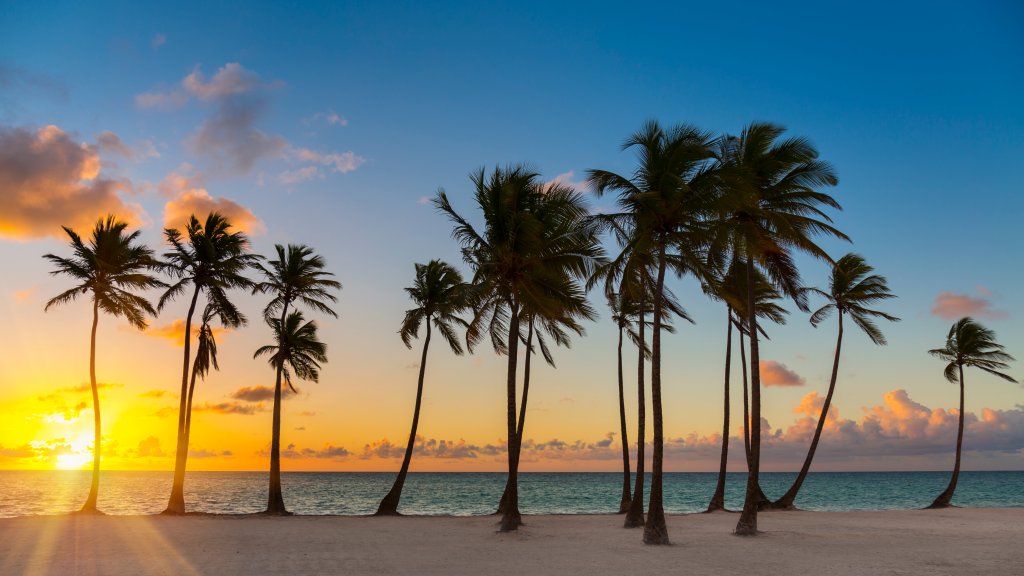
Row of Palm Trees, Dominican Republic, Hispaniola, Caribbean
Sign in to add this photo to your favorites and desktop wallpaper rotation.
The Dominican Republic is a country located on the island of Hispaniola in the Caribbean. It is the second-largest country in the Caribbean, after Cuba, and shares the island with Haiti. The capital and largest city is Santo Domingo. The Dominican Republic has a population of approximately 11 million people and is known for its diverse culture, beautiful beaches, and vibrant music and dance scene. The country has a rich history, with a mix of indigenous, Spanish, and African influences. The economy of the Dominican Republic is largely based on tourism, agriculture (particularly sugar, coffee, and tobacco), and manufacturing. The country is also a major producer of rum and cigars. The Dominican Republic has a tropical climate with warm temperatures year-round. The country is prone to hurricanes during the Atlantic hurricane season, which runs from June to November. Overall, the Dominican Republic is a popular tourist destination known for its stunning beaches, lush landscapes, and vibrant culture. It offers a mix of relaxation and adventure, with activities such as hiking, snorkeling, and exploring historical sites.