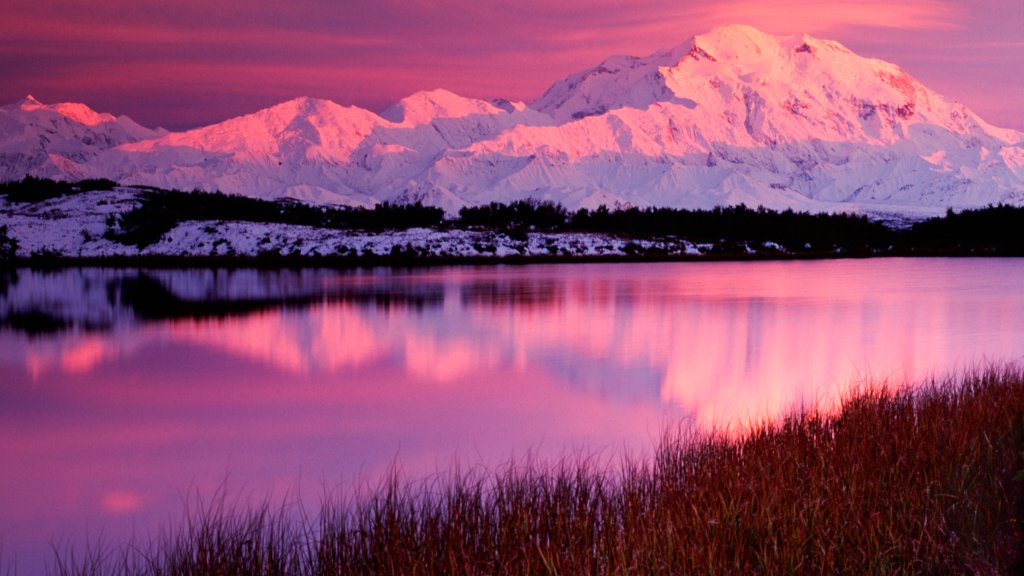
Mount McKinley, Alaska
Sign in to add this photo to your favorites and desktop wallpaper rotation.
Mount McKinley, also known as Denali, is the highest peak in North America, with an elevation of 20,310 feet (6,190 meters). It is located in the Alaska Range in the interior of the U.S. state of Alaska. The mountain is a central feature of Denali National Park and Preserve, which covers over six million acres of wilderness. Denali is renowned for its majestic beauty and challenging climbing conditions. The mountain's weather is notoriously unpredictable, with severe cold, high winds, and sudden storms posing significant challenges to climbers. The first successful ascent of Denali was made in 1913 by a team led by Hudson Stuck and Harry Karstens. The name "Denali" means "The Great One" in the native Koyukon Athabaskan language. While the mountain was officially known as Mount McKinley for many years, named after President William McKinley, the U.S. government officially restored the name Denali in 2015 to honor the indigenous heritage of the region. Denali is not only a popular destination for climbers but also attracts tourists and nature enthusiasts who come to experience its stunning landscapes, diverse wildlife, and the opportunity to witness the northern lights. The park is home to a variety of animals, including grizzly bears, caribou, moose, and wolves, making it a significant location for wildlife observation and conservation efforts.