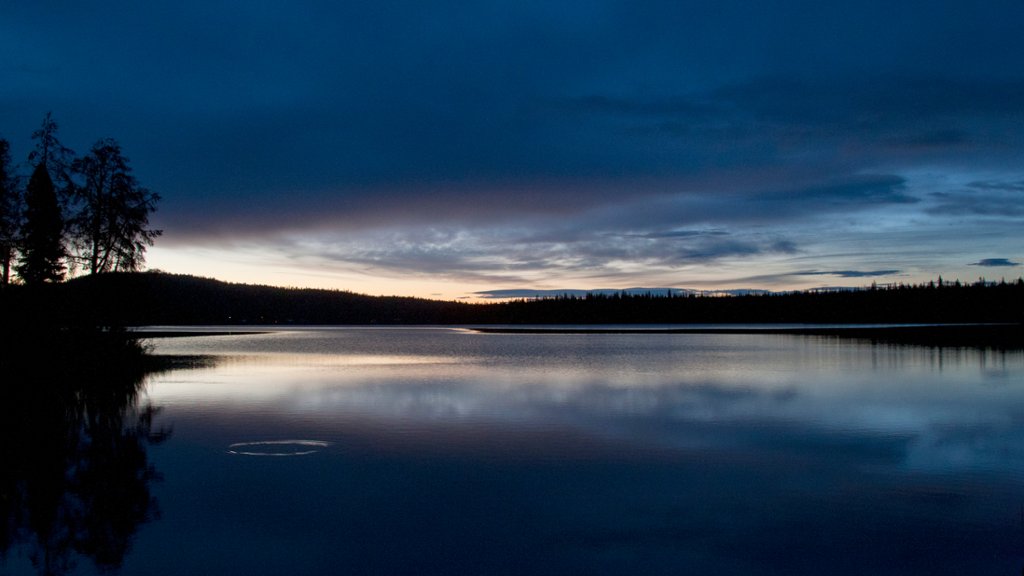
Lac Le Jeune, BC, Canada
Sign in to add this photo to your favorites and desktop wallpaper rotation.
Lac Le Jeune is a popular recreation destination located in British Columbia, Canada. The lake is situated approximately 35 kilometers south of Kamloops and is easily accessible by car, making it a convenient getaway for both locals and tourists. The lake itself is a beautiful, crystal-clear body of water that is surrounded by lush forests and stunning mountain scenery. It is a popular spot for fishing, boating, swimming, and other water activities. The lake is also home to a variety of wildlife, including bald eagles, osprey, and deer. There are several campgrounds and cabins located along the shores of Lake Lac Le Jeune, making it a great spot for a weekend getaway or extended vacation. The area also offers a number of hiking and biking trails, as well as opportunities for birdwatching and wildlife viewing. In the winter, the lake and surrounding area become a winter wonderland, with opportunities for ice fishing, snowshoeing, and cross-country skiing. The lake also freezes over, providing a picturesque setting for ice skating and hockey. Overall, Lake Lac Le Jeune is a beautiful and peaceful destination that offers a wide range of outdoor activities for visitors to enjoy throughout the year.