City of London, UK
Sign in to add this photo to your favorites and desktop wallpaper rotation.
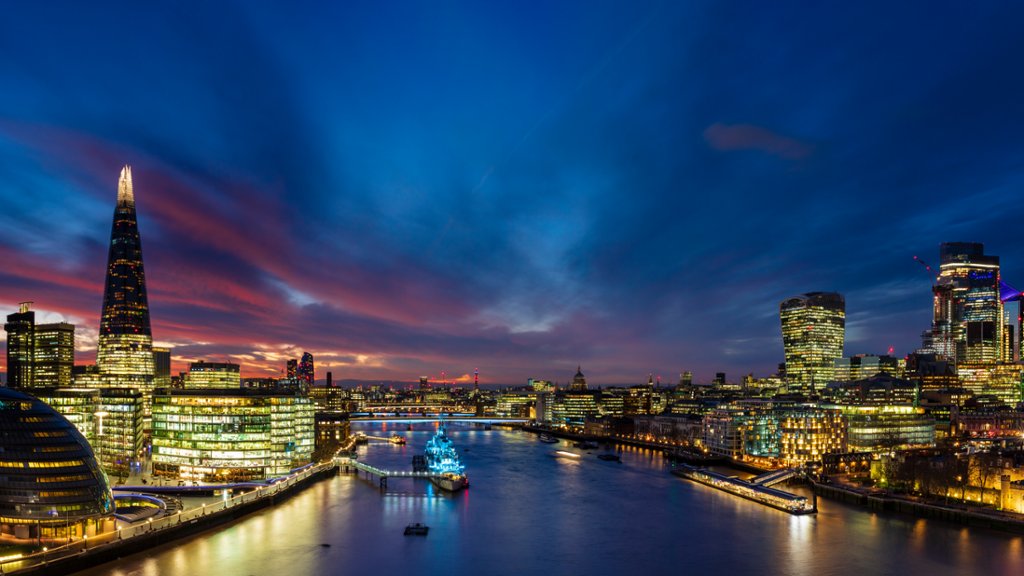
The City of London is a historic area within Greater London, England. It is often referred to as the "Square Mile" because of its small size, covering just over one square mile in area. The City of London is the financial and commercial center of the UK and is home to the Bank of England, the London Stock Exchange, and numerous financial institutions and multinational corporations. The City of London has a rich history dating back to Roman times, and is known for its iconic landmarks such as St. Paul's Cathedral, the Tower of London, and the Monument to the Great Fire of London. The area is also home to a number of historic churches, guildhalls, and museums. Despite its small size, the City of London is a bustling and vibrant area with a diverse mix of businesses, shops, restaurants, and entertainment venues. It is also a major tourist destination, attracting visitors from around the world who come to explore its historic sites, enjoy its cultural attractions, and experience its unique atmosphere. The City of London is governed by the City of London Corporation, which is a unique local authority with its own Lord Mayor and council. It is separate from the larger Greater London Authority, which governs the rest of the capital city.