Carmel-By-The-Sea, California
Sign in to add this photo to your favorites and desktop wallpaper rotation.
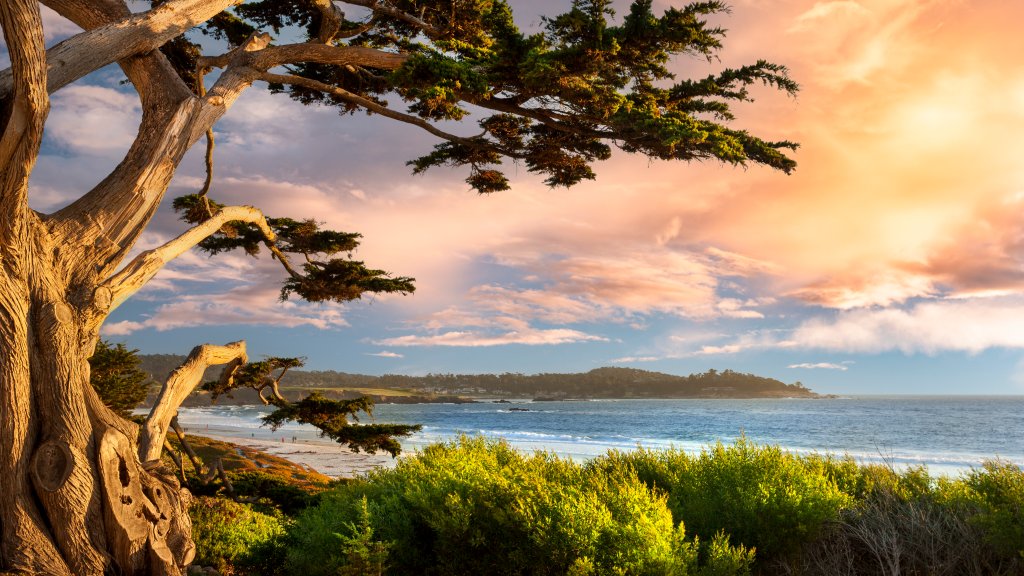
Carmel-by-the-Sea, often simply referred to as Carmel, is a picturesque coastal city located on the Monterey Peninsula in California. Known for its stunning natural beauty, charming village-like atmosphere, and vibrant arts scene, Carmel is a popular destination for tourists and artists alike. One of the most distinctive features of Carmel is its unique architecture and strict building codes, which help maintain the town's quaint and historic charm. The city is famous for its fairytale cottages, many of which were designed by the renowned architect Hugh Comstock in the early 20th century. Carmel is also known for its beautiful beaches, particularly Carmel Beach, which offers a scenic stretch of white sand and is a popular spot for walking, picnicking, and enjoying the sunset. The city's location along the Pacific Ocean provides breathtaking views and opportunities for outdoor activities such as hiking and golfing. The arts have a significant presence in Carmel, with numerous galleries, theaters, and cultural events. The town has a rich artistic heritage, having been home to many artists, writers, and musicians over the years. The annual Carmel Bach Festival and the Carmel Art Festival are just a couple of the cultural highlights that draw visitors to the area. Carmel's downtown area is filled with boutique shops, gourmet restaurants, and cozy cafes, offering a delightful experience for visitors who enjoy shopping and dining. The town is also known for its dog-friendly policies, with many businesses welcoming pets and the beach allowing dogs to roam off-leash. Overall, Carmel-by-the-Sea is a charming and idyllic destination that combines natural beauty, cultural richness, and a welcoming community atmosphere, making it a beloved spot for both locals and visitors.