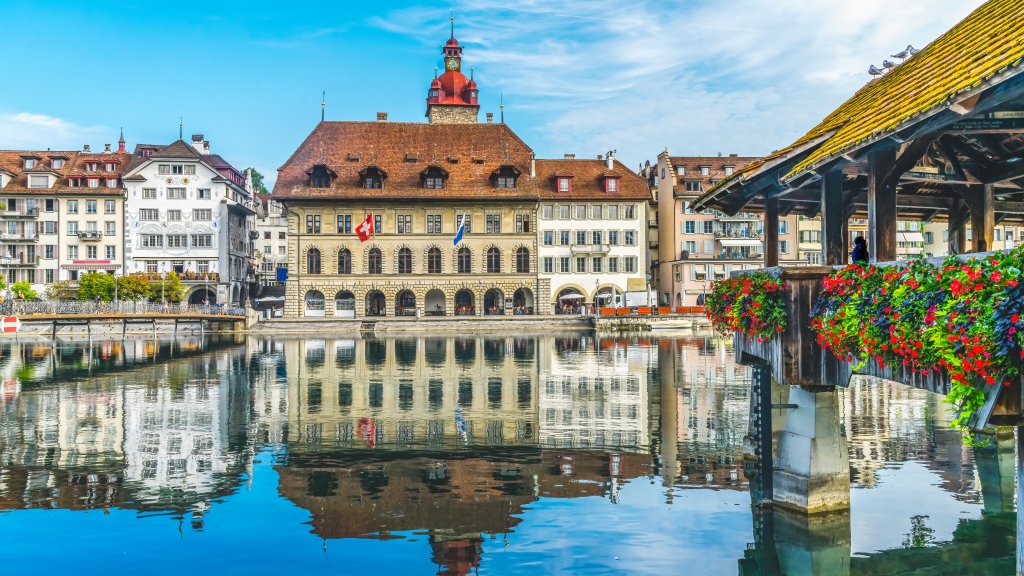
Lucerne, Switzerland
Sign in to add this photo to your favorites and desktop wallpaper rotation.
Lucerne is a picturesque city located in central Switzerland, nestled between Lake Lucerne and the surrounding mountains, including the famous peaks of Mount Pilatus and Mount Rigi. Known for its stunning natural beauty and rich cultural heritage, Lucerne is a popular destination for tourists from around the world. The city is renowned for its well-preserved medieval architecture, with landmarks such as the Chapel Bridge (Kapellbrücke), a covered wooden bridge dating back to the 14th century, and the Water Tower, which is part of the bridge complex. Another notable site is the Lion Monument, a poignant sculpture commemorating Swiss Guards who were killed during the French Revolution. Lucerne's Old Town is a charming area with cobblestone streets, colorful buildings, and a variety of shops, cafes, and restaurants. The city's vibrant cultural scene includes the Lucerne Festival, a prestigious series of classical music concerts held annually, attracting world-class musicians and conductors. The surrounding region offers numerous outdoor activities, from hiking and skiing in the nearby mountains to boat trips on Lake Lucerne. The lake itself is a stunning body of water, providing opportunities for swimming, sailing, and enjoying scenic cruises. Lucerne is also a gateway to exploring other parts of Switzerland, with excellent transport links, including the Swiss Travel System, which makes it easy to reach other major cities and attractions in the country. Overall, Lucerne combines natural beauty, historical charm, and cultural richness, making it a must-visit destination in Switzerland.