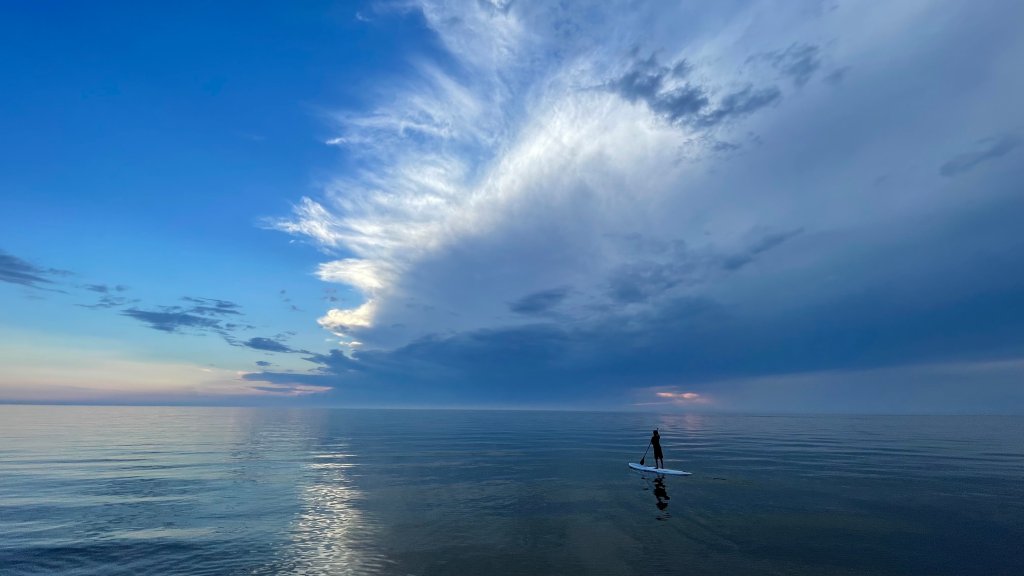
Lake Michigan, Illinois
Sign in to add this photo to your favorites and desktop wallpaper rotation.
Lake Michigan is one of the five Great Lakes of North America and is the only one located entirely within the United States. It borders four states: Illinois, Indiana, Michigan, and Wisconsin. The lake is the second-largest of the Great Lakes by volume and the third-largest by surface area. It plays a significant role in the ecology, economy, and culture of the region. In Illinois, Lake Michigan is a vital natural resource, particularly for the city of Chicago, which is situated on its southwestern shore. The lake provides a source of drinking water for millions of people and supports a variety of recreational activities such as boating, fishing, and swimming. The Chicago lakefront is renowned for its beaches, parks, and the scenic Lakefront Trail, which offers opportunities for walking, running, and cycling. Lake Michigan's shoreline in Illinois is also home to several important ecological areas, including the Illinois Beach State Park and the Indiana Dunes National Park, which, although primarily in Indiana, extends into Illinois. These areas are known for their unique ecosystems, including dunes, wetlands, and diverse plant and animal species. Economically, Lake Michigan supports commercial shipping and transportation, with the Port of Chicago serving as a major hub for the movement of goods. The lake also contributes to the local economy through tourism and recreational industries. Environmental concerns such as pollution, invasive species, and habitat loss have prompted efforts to protect and preserve the lake's health and biodiversity. Initiatives include pollution control measures, habitat restoration projects, and public awareness campaigns to ensure the sustainability of Lake Michigan for future generations.