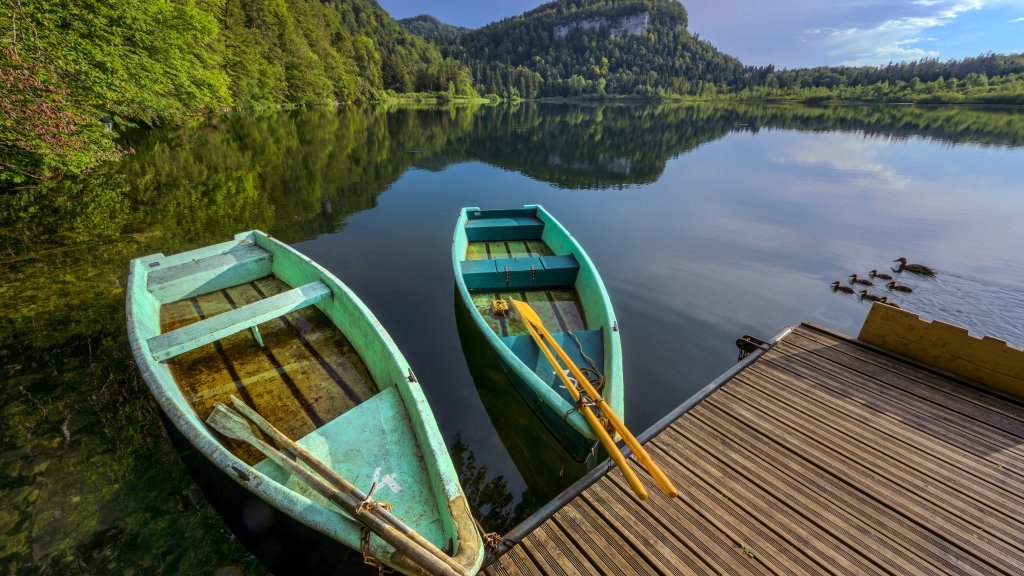
Lac de Bonlieu, Jura Mountains, France
Sign in to add this photo to your favorites and desktop wallpaper rotation.
Lac de Bonlieu is a picturesque lake located in the Jura Mountains of eastern France, within the Jura department. This serene and relatively small lake is known for its natural beauty and tranquil surroundings, making it a popular destination for nature lovers and outdoor enthusiasts. The lake is nestled in a forested area, providing a peaceful and secluded atmosphere. It is surrounded by lush greenery and offers stunning views of the surrounding Jura landscape. The area around Lac de Bonlieu is ideal for hiking, picnicking, and enjoying the tranquility of nature. The lake itself is relatively shallow and covers an area of about 22 hectares. Its clear waters reflect the surrounding trees and sky, creating a picturesque scene that is especially beautiful during the autumn months when the foliage changes color. Lac de Bonlieu is also home to a variety of wildlife, including birds and aquatic species, making it a great spot for birdwatching and observing nature. The lake and its surroundings are part of the Haut-Jura Regional Natural Park, which is dedicated to preserving the natural environment and promoting sustainable tourism. Visitors to Lac de Bonlieu can enjoy leisurely walks around the lake, as well as explore the nearby trails that lead through the Jura Mountains. The area is also known for its charming villages and local culture, offering a glimpse into the traditional way of life in this region of France.