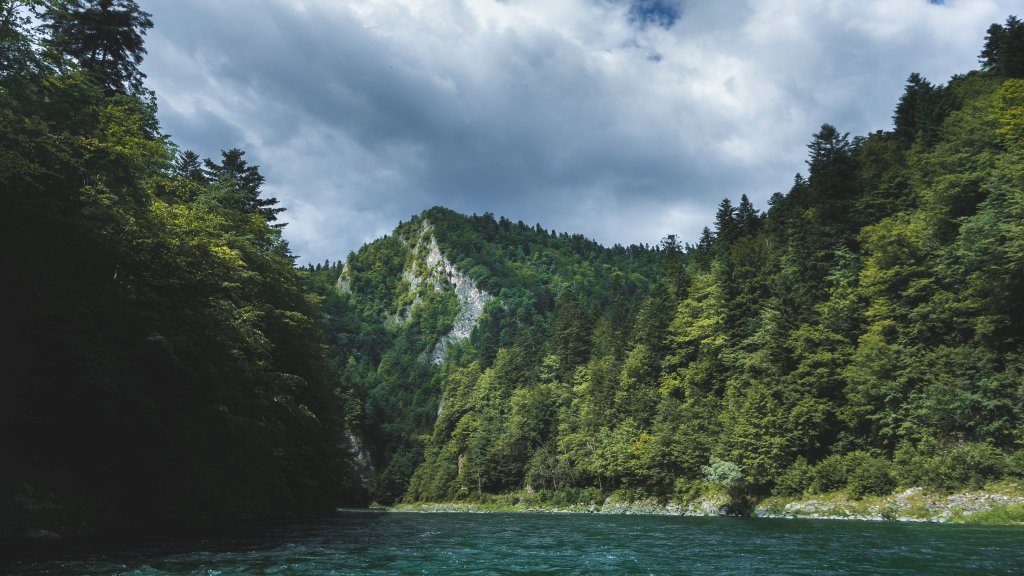
Dunajec River, Slovakia
Sign in to add this photo to your favorites and desktop wallpaper rotation.
The Dunajec River is a picturesque waterway that flows through southern Poland and northeastern Slovakia. While the majority of the river is located in Poland, a significant portion of its course forms the natural border between Poland and Slovakia. The river is renowned for its scenic beauty, particularly as it winds through the Pieniny Mountains, creating the stunning Dunajec River Gorge. In Slovakia, the river is part of the Pieniny National Park, which is a protected area known for its diverse flora and fauna, as well as its dramatic limestone cliffs and lush forests. The Dunajec River is a popular destination for outdoor activities such as rafting and kayaking, offering visitors a unique way to experience the natural splendor of the region. The river also holds cultural and historical significance. It has been an important trade route and has served as a natural boundary for centuries. The area around the Dunajec River is rich in folklore and local traditions, adding to the charm of the region. Overall, the Dunajec River in Slovakia is a captivating destination for nature lovers, adventure seekers, and those interested in exploring the cultural heritage of Central Europe.