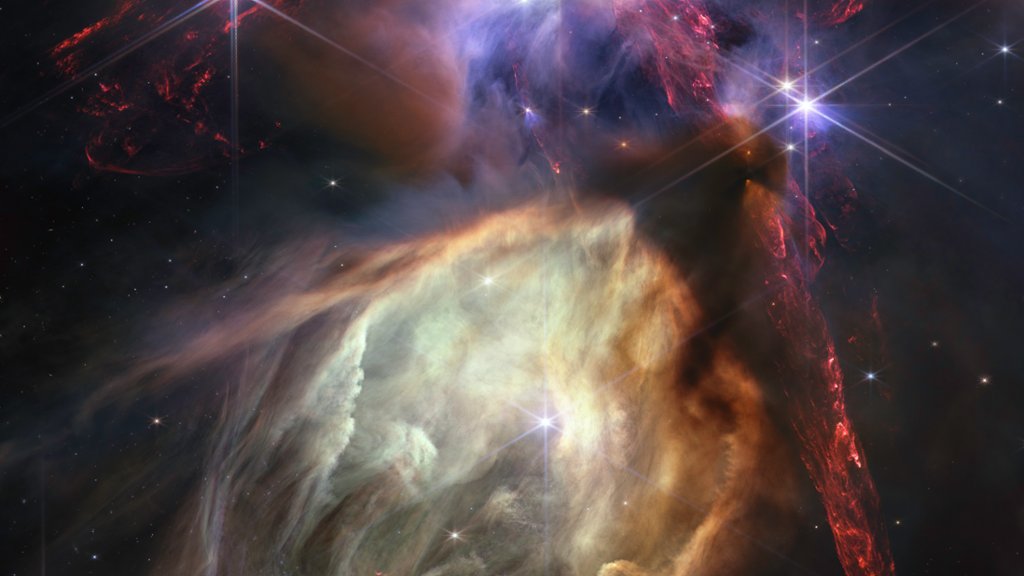
James Webb Telescope, Rho Ophiuchi Cloud Complex
Sign in to add this photo to your favorites and desktop wallpaper rotation.
The James Webb Space Telescope is a large, infrared telescope that is set to launch in 2021. It is named after James E. Webb, who was a key figure in the Apollo program and NASA's second administrator. The telescope is a joint project between NASA, the European Space Agency (ESA), and the Canadian Space Agency (CSA). The James Webb Space Telescope is designed to study the universe's first galaxies, stars, and planets, as well as the formation of stars and planetary systems. It will be able to observe objects that are too faint or too distant for current telescopes to detect, thanks to its advanced infrared technology. The Rho Ophiuchi Cloud Complex is a dense region of gas and dust located in the constellation Ophiuchus. It is one of the closest star-forming regions to Earth, at a distance of about 460 light-years. The cloud complex contains many young stars, as well as protoplanetary disks, which are the building blocks of planets. Scientists are interested in studying the Rho Ophiuchi Cloud Complex because it provides a glimpse into the early stages of star and planet formation. The James Webb Space Telescope will be able to study this region in detail, providing new insights into the processes that shape our universe.