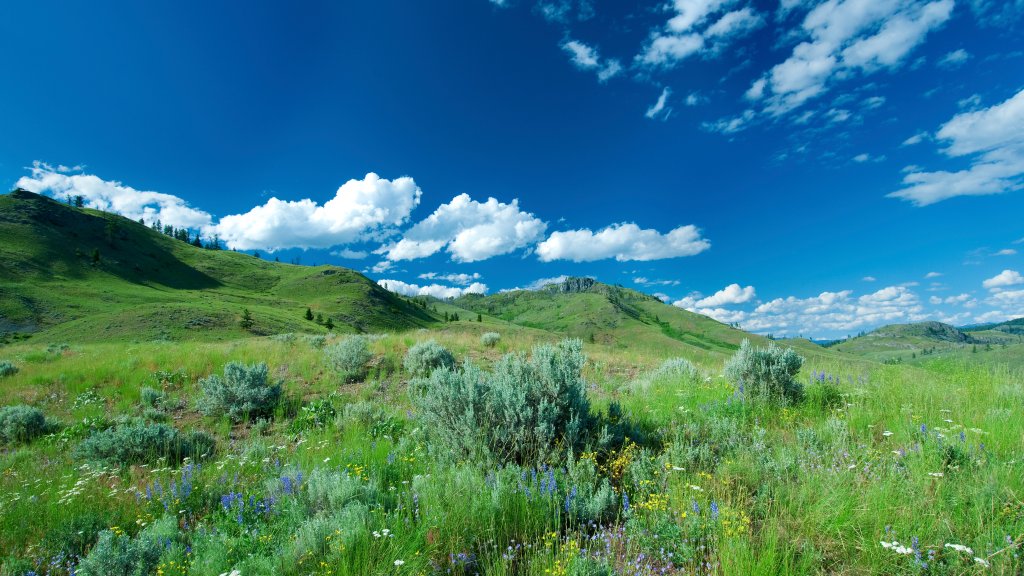
South Okanagan Grasslands, BC, Canada
Sign in to add this photo to your favorites and desktop wallpaper rotation.
The South Okanagan Grasslands are located in the southern interior of British Columbia, Canada. This unique ecosystem is characterized by dry, arid conditions with low precipitation and hot summers. The grasslands are home to a diverse range of plant and animal species that have adapted to these harsh conditions. The grasslands are an important habitat for a variety of wildlife, including mule deer, bighorn sheep, rattlesnakes, and various species of birds. Many of these species are considered at risk or endangered, making the preservation of the grasslands crucial for their survival. The South Okanagan Grasslands are also culturally significant to the Indigenous peoples of the region, who have lived in harmony with the land for thousands of years. The grasslands provide important resources for traditional practices such as hunting, gathering, and spiritual ceremonies. Conservation efforts are underway to protect and preserve the South Okanagan Grasslands, as urban development and agriculture continue to encroach on this fragile ecosystem. Organizations such as the Nature Conservancy of Canada and local governments are working to establish protected areas and conservation easements to safeguard the biodiversity of the grasslands for future generations.