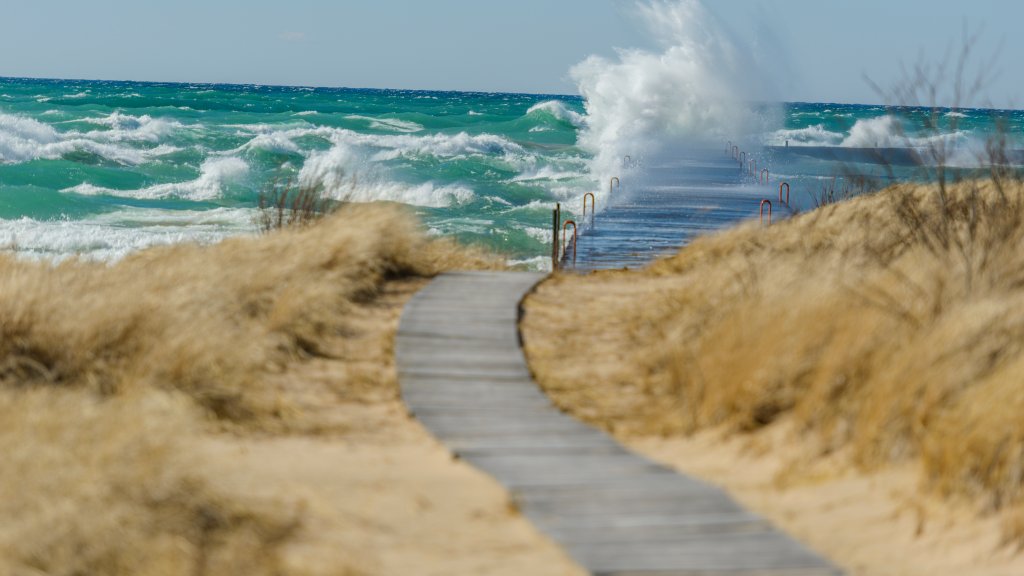
Lake Michigan, Frankfort, Michigan
Sign in to add this photo to your favorites and desktop wallpaper rotation.
Lake Michigan is one of the five Great Lakes of North America and is the only one located entirely within the United States. It is bordered by four states: Wisconsin, Illinois, Indiana, and Michigan. Frankfort, Michigan, is a small city located on the eastern shore of Lake Michigan in Benzie County. It is known for its picturesque setting and serves as a popular destination for tourists seeking outdoor activities and natural beauty. Frankfort features a charming downtown area with shops, restaurants, and galleries, making it a pleasant place for visitors to explore. The city is also home to the Frankfort North Breakwater Lighthouse, a historic lighthouse that offers scenic views of the lake and surrounding area. The lighthouse is a popular spot for photography and sightseeing. The area around Frankfort provides numerous opportunities for outdoor recreation. Visitors can enjoy activities such as boating, fishing, swimming, and hiking. The nearby Sleeping Bear Dunes National Lakeshore, located a short drive from Frankfort, offers stunning landscapes with towering sand dunes, lush forests, and pristine beaches. Frankfort's location on Lake Michigan makes it an ideal spot for enjoying the natural beauty of the Great Lakes region, while its small-town charm and amenities provide a welcoming atmosphere for both residents and visitors.