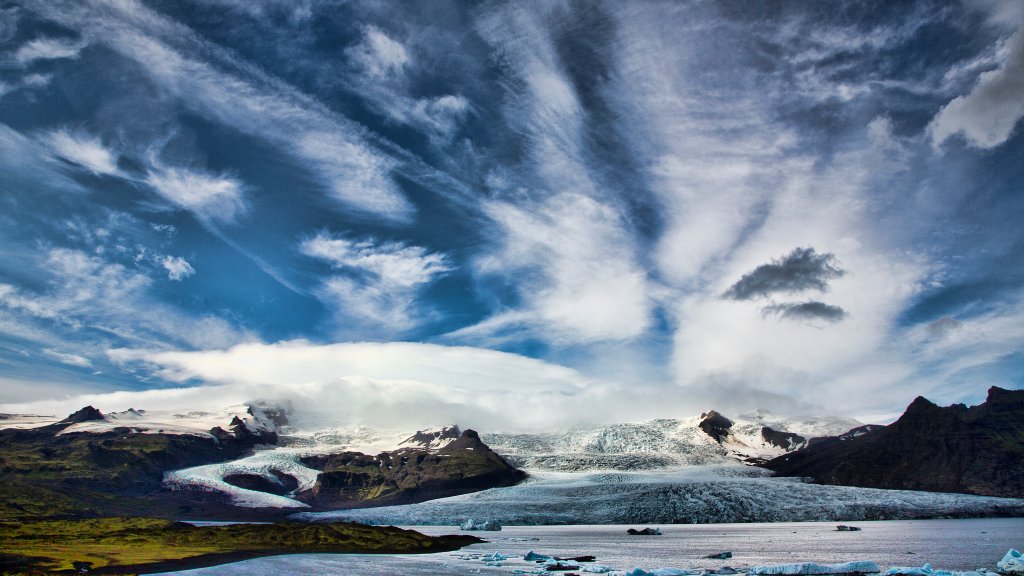
Lake Fjallsarlon, Iceland
Sign in to add this photo to your favorites and desktop wallpaper rotation.
Lake Fjallsárlón is a stunning glacial lake located in southeastern Iceland, near the Vatnajökull National Park. It is part of the larger Vatnajökull glacier system, which is the largest glacier in Europe by volume. Fjallsárlón is known for its breathtaking beauty, characterized by its serene waters dotted with icebergs that have calved from the Fjallsjökull glacier, a tongue of the larger Vatnajökull glacier. The lake offers visitors a unique and tranquil experience, with the opportunity to witness the dynamic interaction between the glacier and the lake. The surrounding landscape is dramatic, with towering ice formations and rugged mountains providing a picturesque backdrop. Unlike its more famous neighbor, Jökulsárlón, Fjallsárlón is often less crowded, offering a more peaceful setting for those looking to explore Iceland's natural wonders. Visitors to Lake Fjallsárlón can enjoy various activities, such as guided boat tours that navigate through the icebergs, providing close-up views of the glacier and the chance to learn more about the area's geology and glaciology. The lake is also a popular spot for photography, with its ever-changing scenery and the play of light on the ice creating captivating images. The area around Fjallsárlón is accessible via the Ring Road, making it a convenient stop for travelers exploring Iceland's southern coast. It is a must-visit destination for those interested in experiencing the raw beauty of Iceland's glacial landscapes.