Kyffhaeuserkreis, Thuringia, Germany
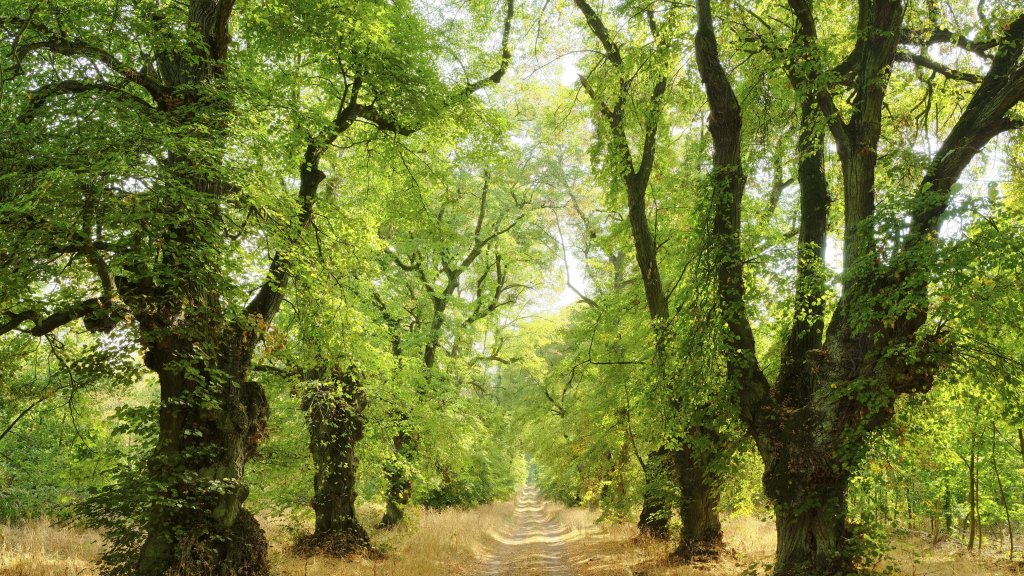
Sign in to add this photo to your favorites and desktop wallpaper rotation.
Kyffhäuserkreis is a district located in the northern part of Thuringia, Germany. It is named after the Kyffhäuser mountain range, which is a notable geographical feature in the area. The district is known for its picturesque landscapes, historical sites, and cultural heritage. The administrative center of Kyffhäuserkreis is the town of Sondershausen. The district encompasses a mix of urban and rural areas, with several small towns and villages contributing to its charm. Agriculture plays a significant role in the local economy, alongside small and medium-sized enterprises. One of the most famous landmarks in the district is the Kyffhäuser Monument, also known as the Barbarossa Monument. This impressive structure commemorates Emperor Frederick Barbarossa and is a popular tourist attraction. The monument is situated on the Kyffhäuser mountain and offers panoramic views of the surrounding countryside. The region has a rich history, with roots dating back to medieval times. Visitors can explore various historical sites, including castles, churches, and museums that showcase the area's cultural heritage. The district also hosts several festivals and events throughout the year, celebrating local traditions and community spirit. Kyffhäuserkreis is well-connected by road and rail, making it accessible for visitors and residents alike. The district's natural beauty, combined with its historical and cultural significance, makes it an appealing destination for tourists and a pleasant place to live for its residents.