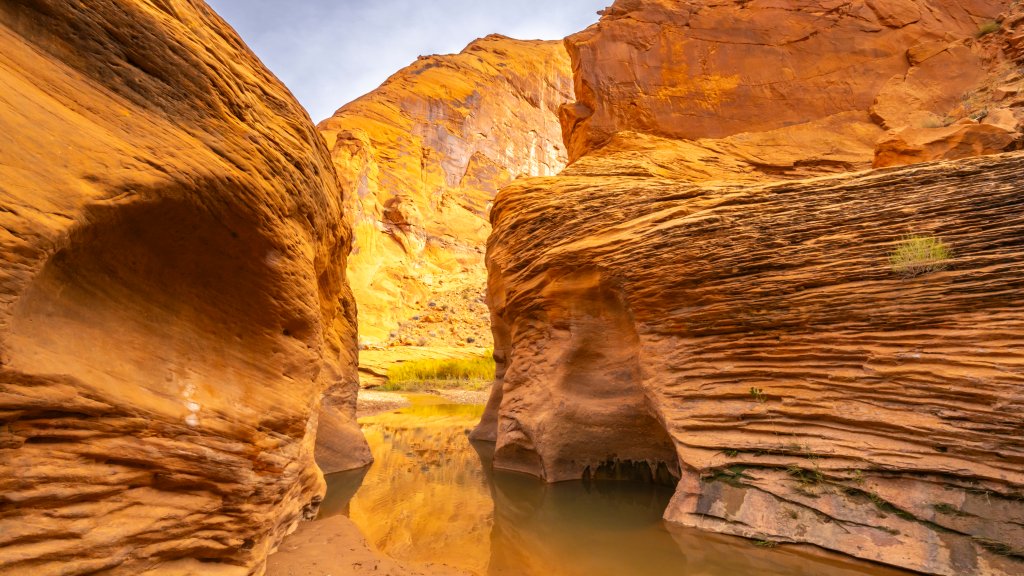
Grand Staircase, Escalante National Monument, Utah
Sign in to add this photo to your favorites and desktop wallpaper rotation.
Grand Staircase-Escalante National Monument is a vast and rugged area located in southern Utah. It was established in 1996 and covers approximately 1.87 million acres, making it one of the largest national monuments in the United States. The monument is named for its distinctive geological features: the "Grand Staircase," a series of colorful cliffs and terraces, and the "Escalante Canyons," a network of narrow, winding canyons. The landscape of Grand Staircase-Escalante is incredibly diverse, featuring a mix of cliffs, plateaus, mesas, and canyons. This diversity supports a wide range of plant and animal species, some of which are unique to the region. The area is also rich in cultural history, with numerous archaeological sites that provide insights into the lives of ancient Native American cultures. Visitors to the monument can enjoy a variety of outdoor activities, including hiking, backpacking, canyoneering, and photography. Popular destinations within the monument include the Escalante River, Calf Creek Falls, and the slot canyons of Peek-a-Boo and Spooky Gulch. The monument's remote and undeveloped nature offers a sense of solitude and adventure for those willing to explore its rugged terrain. Management of the monument has been a topic of debate and controversy, particularly regarding land use and conservation. In 2017, the boundaries of Grand Staircase-Escalante were significantly reduced by presidential proclamation, but this decision was later challenged in court. As of now, efforts continue to balance conservation with recreational and economic interests in the area.