Cape Kiwanda, Oregon
Sign in to add this photo to your favorites and desktop wallpaper rotation.
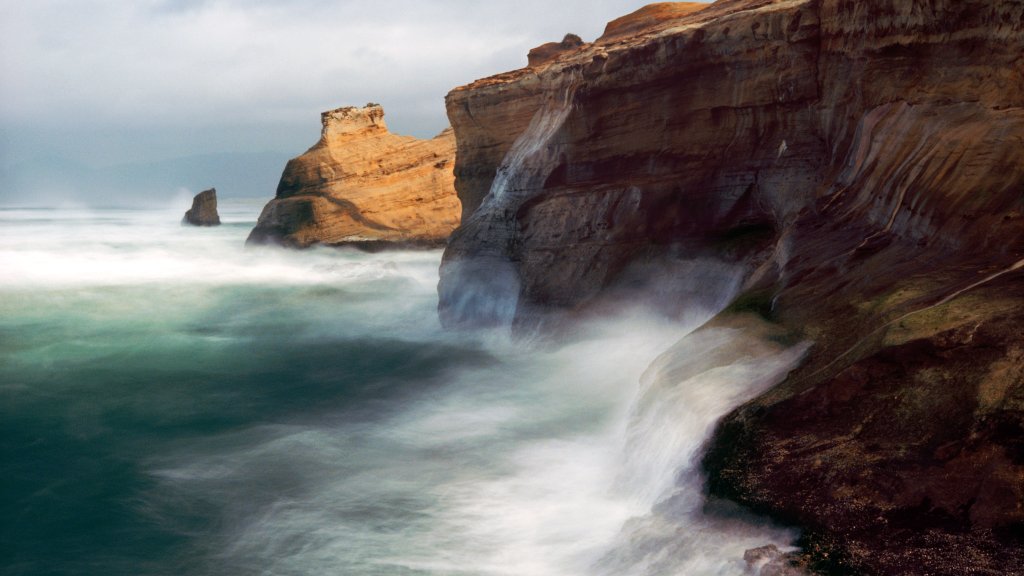
Cape Kiwanda is a prominent headland located on the Oregon Coast, near the town of Pacific City. It is part of the Three Capes Scenic Route, which also includes Cape Meares and Cape Lookout. Cape Kiwanda is known for its stunning natural beauty, featuring dramatic sandstone cliffs, expansive sandy beaches, and unique geological formations. One of the most notable features of Cape Kiwanda is its large sand dune, which attracts visitors who enjoy hiking to the top for panoramic views of the Pacific Ocean and the surrounding coastline. The area is also popular for activities such as surfing, beachcombing, and tide pooling. The cape's rugged terrain and ocean conditions make it a favorite spot for photographers and nature enthusiasts. Cape Kiwanda is home to a variety of wildlife, including seabirds, marine mammals, and tide pool creatures. The nearby Haystack Rock, a sea stack located just offshore, is another iconic landmark and provides a habitat for nesting birds. The cape is part of the Cape Kiwanda State Natural Area, which is managed by the Oregon Parks and Recreation Department. Visitors are encouraged to respect the natural environment and adhere to safety guidelines, as the cliffs and ocean currents can be dangerous. In addition to its natural attractions, Cape Kiwanda is close to several local amenities in Pacific City, including restaurants, lodging, and the famous Pelican Brewing Company, which offers craft beer and dining with views of the beach.