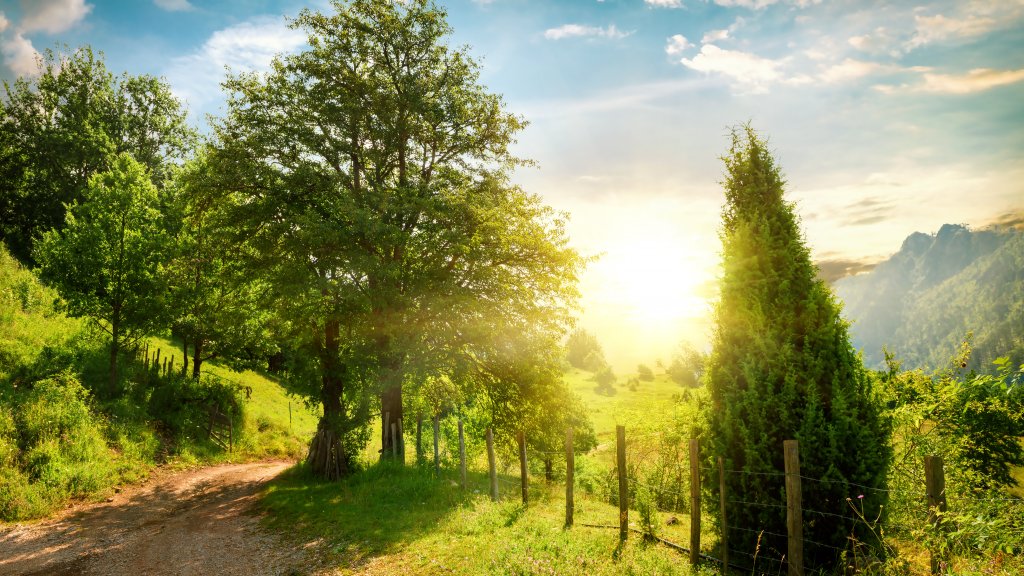
Canyon near Zabljak, Montenegro
Sign in to add this photo to your favorites and desktop wallpaper rotation.
Žabljak is a small town located in the northern part of Montenegro, known for its stunning natural beauty and as a gateway to the Durmitor National Park. Situated at an altitude of approximately 1,456 meters (4,777 feet), it is the highest town in the Balkans. Žabljak is a popular destination for outdoor enthusiasts and nature lovers, offering a range of activities throughout the year. In the winter, Žabljak transforms into a ski resort, attracting visitors with its snow-covered slopes and winter sports opportunities. The nearby Savin Kuk ski area is particularly popular for skiing and snowboarding. In the summer, the town becomes a hub for hiking, mountain biking, and exploring the scenic landscapes of Durmitor National Park, which is a UNESCO World Heritage Site. The park is home to the Tara River Canyon, one of the deepest canyons in the world, offering opportunities for rafting and kayaking. Žabljak is also known for its picturesque Black Lake (Crno Jezero), a glacial lake surrounded by dense pine forests and mountain peaks. The lake is a popular spot for walking, picnicking, and enjoying the serene natural environment. The town itself is relatively small, with a population that fluctuates with the tourist seasons. It offers a range of accommodations, from hotels to guesthouses, and features several restaurants and cafes where visitors can enjoy traditional Montenegrin cuisine. Overall, Žabljak is a charming destination that provides a perfect base for exploring the natural wonders of northern Montenegro, making it a must-visit for those seeking adventure and tranquility in a beautiful mountain setting.