Zion National Park, Utah
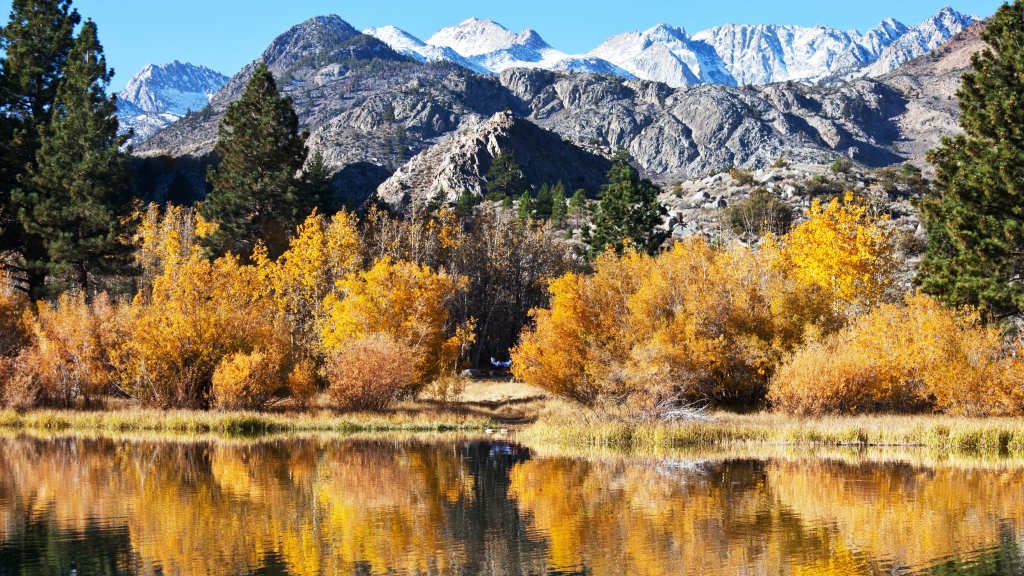
Sign in to add this photo to your favorites and desktop wallpaper rotation.
Zion National Park is a stunning natural reserve located in the southwestern part of Utah, USA. It is renowned for its breathtaking landscapes, featuring towering sandstone cliffs, narrow canyons, and diverse ecosystems. The park covers approximately 146,000 acres and is part of the larger Colorado Plateau region. One of the park's most iconic features is Zion Canyon, which is carved by the Virgin River and stretches for about 15 miles. The canyon's walls rise dramatically, with some cliffs reaching heights of over 2,000 feet. This makes it a popular destination for hikers, climbers, and nature enthusiasts. Zion National Park offers a variety of outdoor activities, including hiking, rock climbing, canyoneering, and wildlife viewing. Some of the most popular hiking trails include Angels Landing, known for its challenging ascent and stunning views, and The Narrows, where visitors can hike through the riverbed of a narrow slot canyon. The park is home to a diverse range of flora and fauna, with habitats ranging from desert landscapes to forested plateaus. Visitors can encounter species such as mule deer, bighorn sheep, and a variety of bird species. Zion National Park is also rich in cultural history, with evidence of human habitation dating back thousands of years. The park's name is derived from the Hebrew word "Zion," meaning a place of peace and refuge, reflecting its significance to early settlers. Due to its natural beauty and recreational opportunities, Zion National Park attracts millions of visitors each year. To preserve its delicate ecosystems and ensure visitor safety, the park has implemented measures such as a shuttle system to reduce traffic congestion and environmental impact.