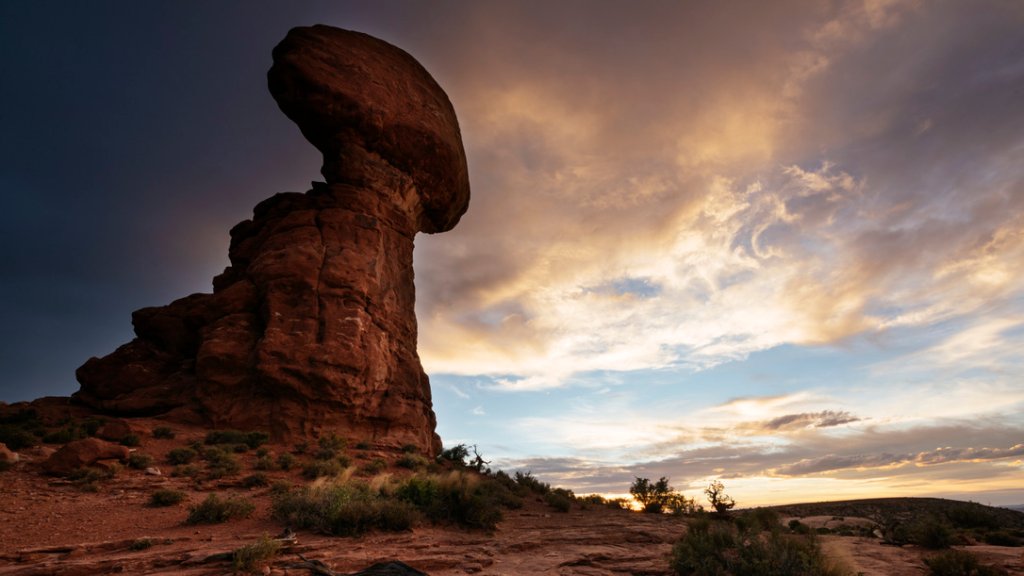
Balanced Rock at Dusk, Arches National Park, Utah
Sign in to add this photo to your favorites and desktop wallpaper rotation.
Arches National Park is located in southeastern Utah, near the town of Moab. It is known for its stunning red rock formations, particularly its more than 2,000 natural sandstone arches. The park covers over 76,000 acres and offers a variety of hiking trails, scenic viewpoints, and photographic opportunities. Some of the most famous arches in the park include Delicate Arch, Landscape Arch, and Double Arch. Visitors can also see other unique rock formations such as balanced rocks, spires, and fins. The park is a popular destination for outdoor enthusiasts, photographers, and nature lovers. In addition to hiking, visitors to Arches National Park can enjoy camping, rock climbing, stargazing, and ranger-led programs. The park is open year-round, but the best times to visit are in the spring and fall when temperatures are milder. Arches National Park is part of the larger Colorado Plateau, which is known for its rugged terrain and unique geology. The park was established in 1971 and is managed by the National Park Service. It is a designated International Dark Sky Park, making it an excellent place for stargazing. Overall, Arches National Park offers a one-of-a-kind natural experience with its stunning red rock formations and breathtaking landscapes. It is a must-visit destination for anyone traveling to Utah.