Seefeld Plateau, Tyrol, Austria
Sign in to add this photo to your favorites and desktop wallpaper rotation.
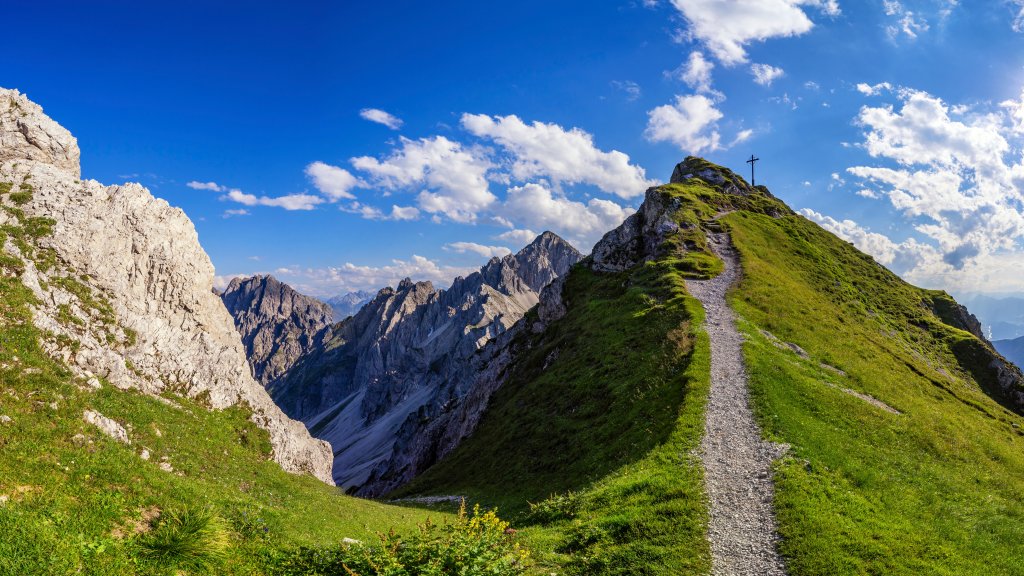
The Seefeld Plateau is a picturesque region located in the Tyrol state of Austria. Known for its stunning natural beauty, the plateau is situated at an elevation of around 1,200 meters above sea level and is surrounded by the majestic peaks of the Karwendel and Wetterstein mountain ranges. This area is renowned for its outdoor recreational opportunities, making it a popular destination for both summer and winter activities. In the winter months, Seefeld transforms into a winter sports paradise, offering excellent facilities for skiing, snowboarding, and cross-country skiing. The region has hosted several Nordic skiing events, including the Winter Olympics and World Championships, which attests to its world-class infrastructure and scenic trails. During the summer, the Seefeld Plateau becomes a haven for hikers, mountain bikers, and nature enthusiasts. The area boasts numerous trails that cater to all levels of experience, providing breathtaking views of the surrounding alpine landscape. Additionally, the plateau is home to several pristine lakes, such as the Wildsee, which offer opportunities for swimming and relaxation. Seefeld itself is a charming village that serves as the main hub of the plateau. It features a range of accommodations, from luxury hotels to cozy guesthouses, as well as a variety of dining options that showcase traditional Tyrolean cuisine. The village also hosts cultural events and festivals throughout the year, adding to its appeal as a year-round destination. Overall, the Seefeld Plateau is celebrated for its combination of natural beauty, outdoor activities, and cultural experiences, making it a sought-after destination for travelers seeking both adventure and relaxation in the heart of the Austrian Alps.