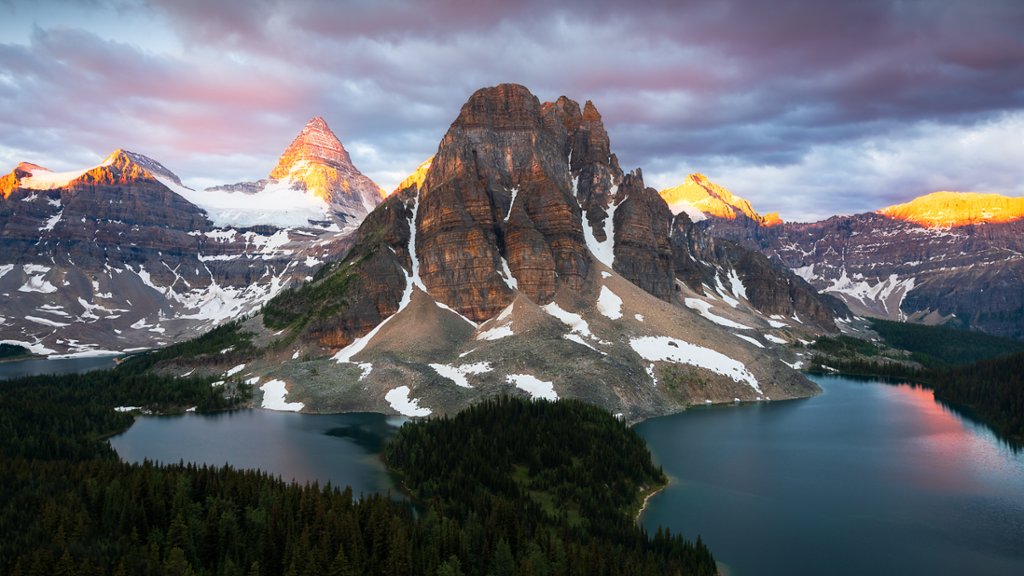
Mt Assiniboine, British Columbia, Canada
Sign in to add this photo to your favorites and desktop wallpaper rotation.
Mount Assiniboine is a prominent mountain located on the border of British Columbia and Alberta in Canada. It is often referred to as the "Matterhorn of the Rockies" due to its distinctive pyramid shape. The mountain stands at an impressive 3,618 meters (11,870 feet) tall, making it one of the tallest peaks in the Canadian Rockies. Mount Assiniboine is part of the Mount Assiniboine Provincial Park, which is a designated wilderness area known for its stunning alpine scenery, pristine lakes, and abundant wildlife. The park offers a range of outdoor activities such as hiking, camping, and mountain biking. The hiking trails around Mount Assiniboine are particularly popular, with options ranging from day hikes to multi-day backcountry adventures. Visitors to Mount Assiniboine can also stay at the historic Mount Assiniboine Lodge, which has been welcoming guests since 1928. The lodge offers rustic accommodations and breathtaking views of the surrounding mountains. Overall, Mount Assiniboine is a must-visit destination for outdoor enthusiasts looking to experience the beauty of the Canadian Rockies in a remote and unspoiled wilderness setting.