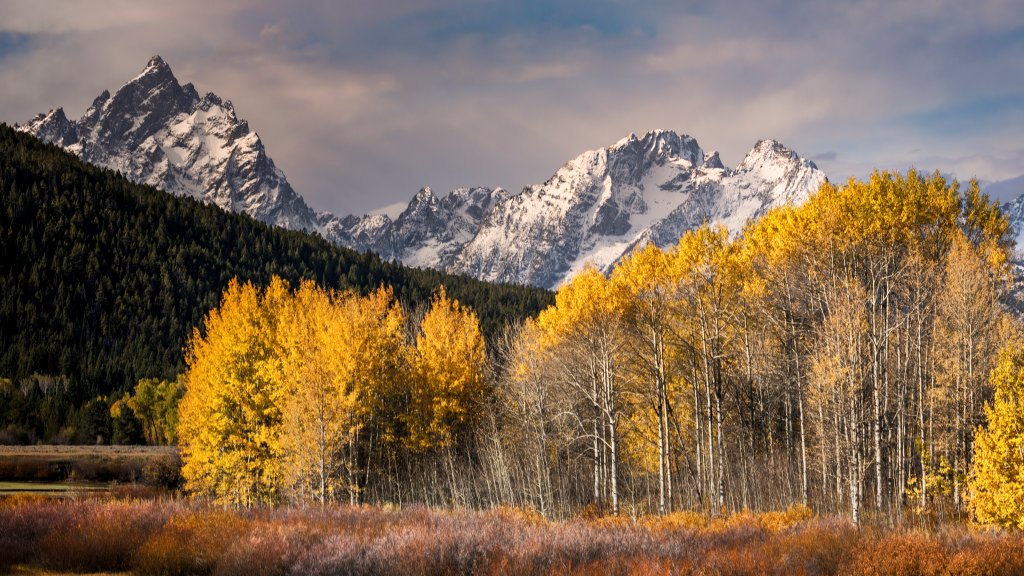
Mt. Moran from Oxbow Bend, Grand Teton NP, WY
Sign in to add this photo to your favorites and desktop wallpaper rotation.
Mt. Moran is a prominent peak located in Grand Teton National Park, Wyoming. It stands at 12,610 feet and is one of the most recognizable mountains in the Teton Range. When viewed from Oxbow Bend, a popular spot along the Snake River, Mt. Moran provides a stunning backdrop, especially during sunrise and sunset when the light casts beautiful reflections on the water. Oxbow Bend is a favored location for photographers and nature enthusiasts due to its panoramic views and the opportunity to see a variety of wildlife, including moose, beavers, and numerous bird species. The calm waters of the bend create mirror-like reflections of Mt. Moran and the surrounding landscape, making it a picturesque scene that captures the essence of the park's natural beauty. Mt. Moran is notable for its distinctive features, including the Skillet Glacier on its northeast face. The mountain is named after Thomas Moran, a renowned landscape painter whose work helped inspire the establishment of national parks in the United States. While not as frequently climbed as the Grand Teton, Mt. Moran offers challenging routes for experienced climbers, with its summit providing breathtaking views of the Teton Range and Jackson Hole Valley.