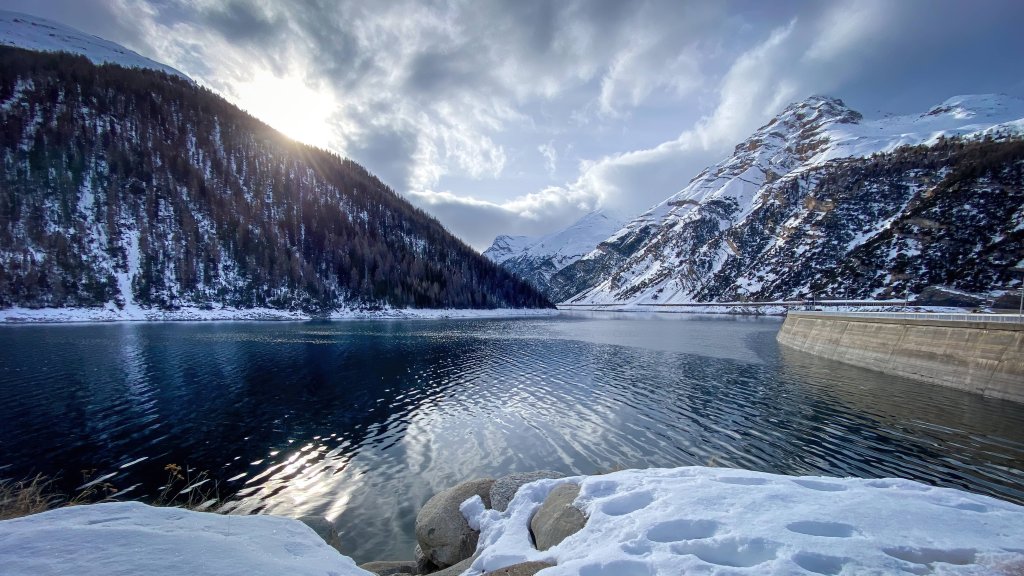
Lake Livigno, Punt dal Gall Dam, Switzerland
Sign in to add this photo to your favorites and desktop wallpaper rotation.
Lago di Livigno, also known as Lake Livigno, is a man-made reservoir located in the Italian Alps, near the border with Switzerland. The lake is situated in the Lombardy region of Italy, close to the town of Livigno, which is a popular tourist destination known for its skiing and outdoor activities. The Punt dal Gall Dam is the structure responsible for creating Lago di Livigno. It is located at the northern end of the lake, in Switzerland, and serves as a hydroelectric power station. The dam was completed in the 1960s and is operated by the Swiss energy company Engadiner Kraftwerke AG. The primary purpose of the dam and reservoir is to generate hydroelectric power, but the lake also plays a role in flood control and water management in the region. The area around Lago di Livigno and the Punt dal Gall Dam is known for its stunning natural beauty, with the surrounding mountains providing a picturesque backdrop. The lake and its environs offer opportunities for various recreational activities, including hiking, fishing, and boating during the warmer months. In winter, the nearby town of Livigno becomes a hub for skiing and snowboarding enthusiasts. Access to the area is relatively easy, with roads connecting Livigno to other parts of Italy and Switzerland. The region's unique location and natural attractions make it a popular destination for tourists seeking both adventure and relaxation in the Alps.