Central Swiss Alps, Switzerland
Sign in to add this photo to your favorites and desktop wallpaper rotation.
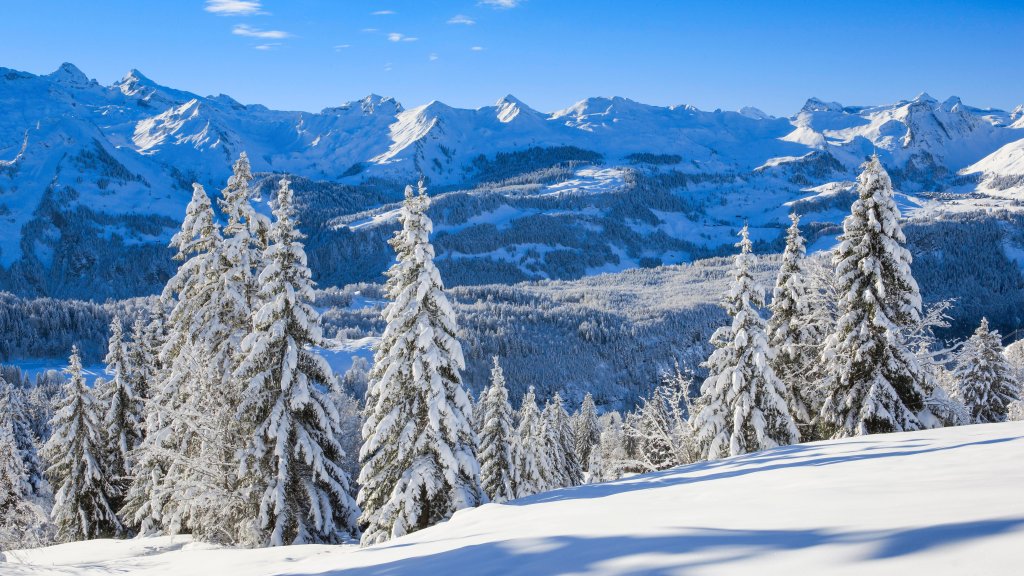
The Central Swiss Alps, located in the heart of Switzerland, are a stunning mountain range known for their breathtaking landscapes, outdoor recreational activities, and cultural significance. This region is part of the larger Alps mountain range that stretches across Europe. The Central Swiss Alps are characterized by their dramatic peaks, deep valleys, and picturesque alpine villages. One of the most famous peaks in the Central Swiss Alps is the Titlis, which is renowned for its year-round snow and the Titlis Rotair, the world's first revolving cable car, offering panoramic views of the surrounding mountains. The region is also home to the Jungfrau-Aletsch area, a UNESCO World Heritage site, which includes the Aletsch Glacier, the largest glacier in the Alps. The Central Swiss Alps are a popular destination for outdoor enthusiasts. In the winter, the area offers excellent skiing, snowboarding, and other snow sports. In the summer, visitors can enjoy hiking, mountain biking, and climbing. The region's well-marked trails and scenic routes attract hikers from around the world. Culturally, the Central Swiss Alps are rich in history and tradition. The area is dotted with charming villages that showcase traditional Swiss architecture and customs. Visitors can explore local museums, attend cultural festivals, and enjoy Swiss cuisine, which often features cheese, chocolate, and hearty alpine dishes. The Central Swiss Alps are easily accessible from major Swiss cities like Zurich and Lucerne, making them a convenient destination for both short trips and extended stays. The region's natural beauty, combined with its cultural offerings, makes it a must-visit destination for travelers seeking both adventure and relaxation.