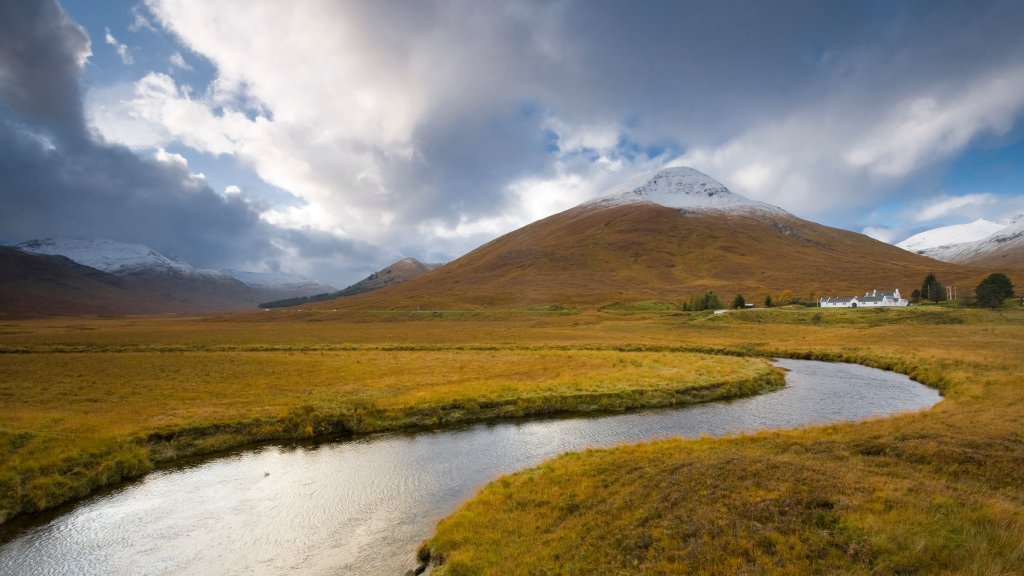
Buachaille Etive Mor, Scotland
Sign in to add this photo to your favorites and desktop wallpaper rotation.
Buachaille Etive Mòr is a prominent mountain located in the Scottish Highlands, near the head of Glen Etive and the entrance to Glen Coe. It is one of the most recognizable and photographed mountains in Scotland, often referred to simply as "The Buachaille." The name translates from Gaelic as "the great herdsman of Etive." The mountain is characterized by its distinctive pyramidal shape, particularly when viewed from the north, and it stands at an elevation of 1,022 meters (3,353 feet). It is a popular destination for hikers and climbers, offering several routes of varying difficulty. The most common ascent is via the Coire na Tulaich, which leads to the summit of Stob Dearg, the highest point of the mountain. Buachaille Etive Mòr is part of a ridge that includes several other peaks, with Stob na Doire, Stob Coire Altruim, and Stob na Bròige being notable summits along the ridge. The mountain's rugged terrain and dramatic scenery make it a favorite among outdoor enthusiasts and photographers. In addition to its natural beauty, Buachaille Etive Mòr has cultural significance and is often featured in Scottish folklore and literature. Its striking appearance and location make it an iconic symbol of the Scottish Highlands.