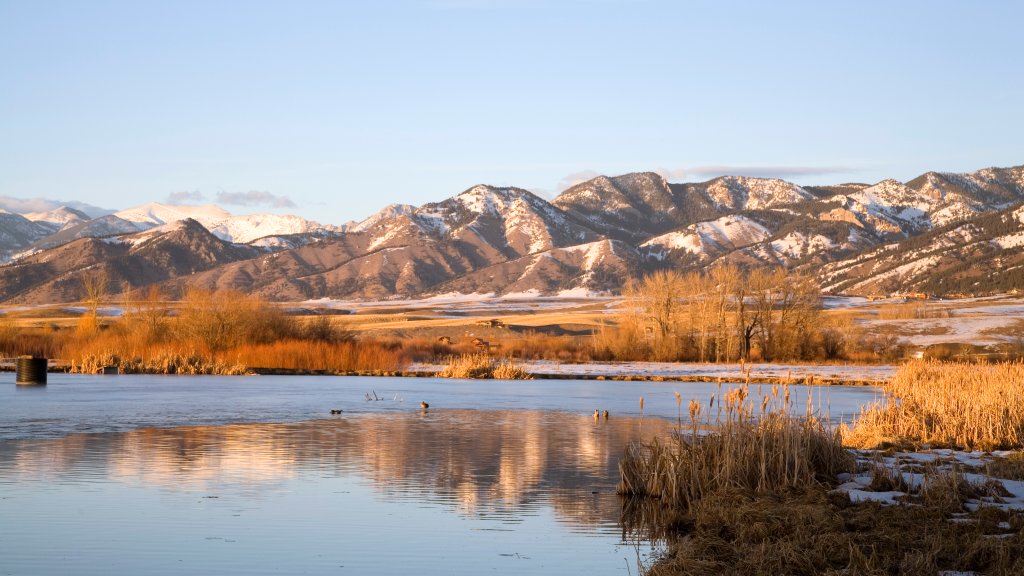
Bridger Range, Bozeman, Montana
Sign in to add this photo to your favorites and desktop wallpaper rotation.
The Bridger Range is a prominent mountain range located near Bozeman, Montana. It is part of the Rocky Mountains and extends approximately 45 miles in a north-south direction. The range is named after the famous mountain man and explorer Jim Bridger. The Bridger Range is known for its stunning natural beauty, offering a mix of rugged peaks, alpine meadows, and dense forests. The highest point in the range is Sacagawea Peak, which stands at 9,596 feet. The area is popular for outdoor recreational activities such as hiking, skiing, and wildlife viewing. In the winter, the Bridger Range is a popular destination for skiing and snowboarding, with Bridger Bowl Ski Area providing a variety of runs for different skill levels. The range's proximity to Bozeman makes it a convenient and accessible location for both locals and visitors to enjoy outdoor adventures. The range is also home to a diverse array of wildlife, including elk, deer, black bears, and various bird species. The Bridger Range is part of the larger Gallatin National Forest, which offers numerous trails and opportunities for backcountry exploration. Overall, the Bridger Range is a cherished natural landmark in Montana, offering breathtaking landscapes and a wide range of recreational opportunities for outdoor enthusiasts.