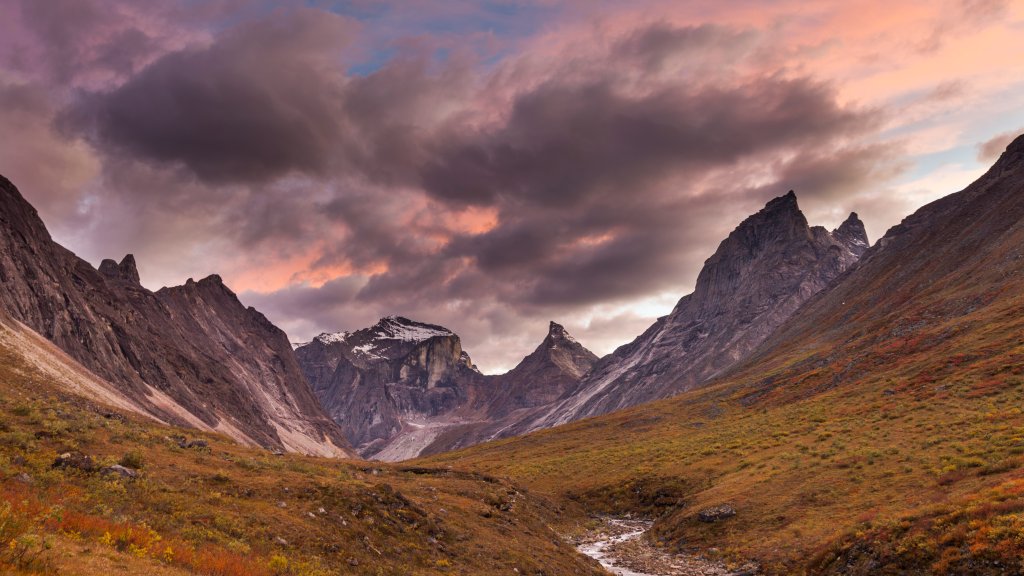
Arrigetch Creek Valley, Arctic National Park, Alaska.
Sign in to add this photo to your favorites and desktop wallpaper rotation.
Arrigetch Creek Valley is a stunning and remote area located within the Gates of the Arctic National Park and Preserve in Alaska. This park is one of the most pristine and least visited national parks in the United States, offering a true wilderness experience. The Arrigetch Peaks, which are part of the Endicott Mountains in the Brooks Range, dominate the landscape with their dramatic granite spires and rugged terrain. The valley is renowned for its breathtaking scenery, featuring alpine tundra, clear streams, and a variety of wildlife, including caribou, grizzly bears, and wolves. The area is a popular destination for experienced hikers and climbers seeking solitude and adventure in a pristine environment. However, due to its remote location, accessing Arrigetch Creek Valley typically requires a bush plane flight and a challenging trek. Visitors to the valley can explore a range of outdoor activities, such as backpacking, rock climbing, and photography. The region's natural beauty and isolation make it an ideal spot for those looking to connect with nature and experience the untouched wilderness of Alaska. However, travelers should be well-prepared and self-sufficient, as there are no established trails, facilities, or services in the area.