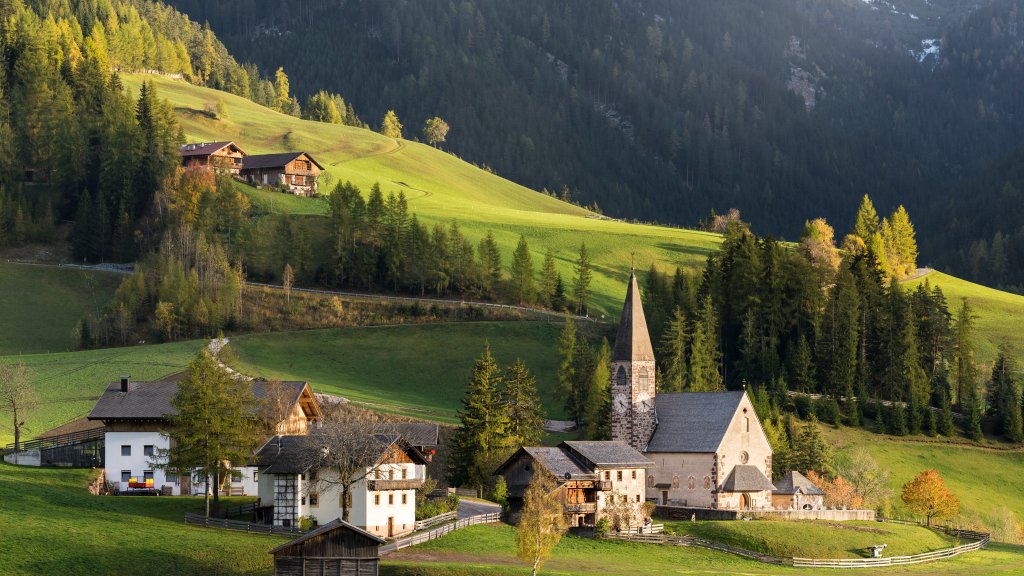
Unesco Site, Church Sankt Magdalena, Geisler Mountain Range, Italy
Sign in to add this photo to your favorites and desktop wallpaper rotation.
The Church of Sankt Magdalena, also known as Santa Maddalena, is a picturesque site located in the Funes Valley (Val di Funes) in the South Tyrol region of northern Italy. While it is not a UNESCO World Heritage Site on its own, it is part of the larger Dolomites region, which is recognized as a UNESCO World Heritage Site. The Dolomites were inscribed as a World Heritage Site in 2009 due to their unique geological features, stunning landscapes, and exceptional natural beauty. The Church of Sankt Magdalena is renowned for its idyllic setting against the backdrop of the Geisler (or Odle) Mountain Range, which is part of the Dolomites. The church itself is a small, charming structure with a distinctive onion-domed bell tower, and it is often featured in photographs due to its scenic location. The Geisler Mountain Range provides a dramatic and breathtaking backdrop, with its jagged peaks and lush green meadows. This area is popular with hikers, photographers, and nature enthusiasts who come to enjoy the stunning views and explore the numerous trails that wind through the mountains. The combination of the quaint church and the majestic mountains makes it a quintessential example of the natural and cultural beauty found in the Dolomites region.