Luna Park Sydney, New South Wales, Australia
Sign in to add this photo to your favorites and desktop wallpaper rotation.
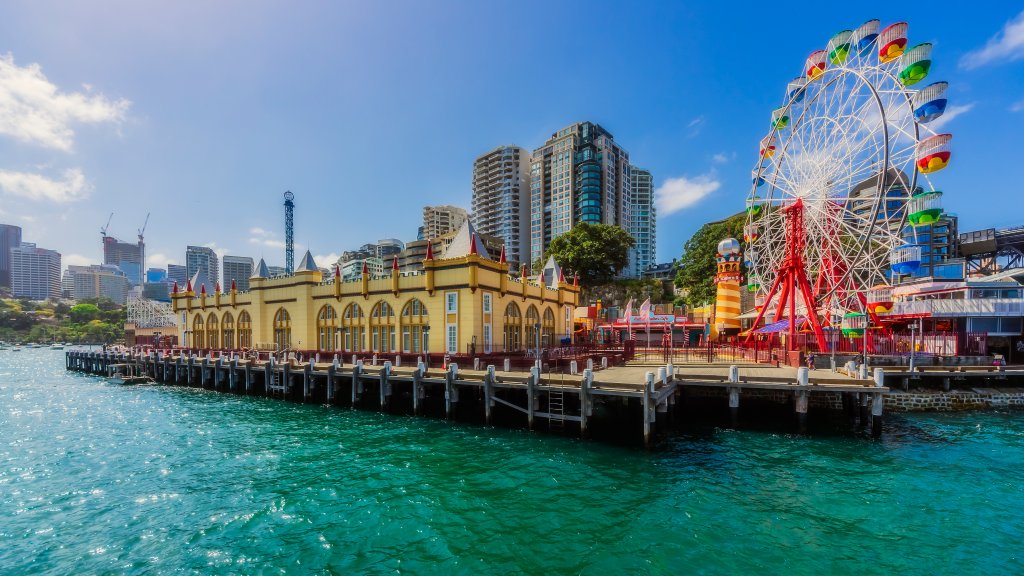
Luna Park Sydney is a historic amusement park located at Milsons Point, on the northern shore of Sydney Harbour in New South Wales, Australia. It is one of the city's most iconic attractions, known for its distinctive entrance featuring a large smiling face. The park originally opened in 1935 and has since become a beloved destination for both locals and tourists. The park offers a variety of rides and attractions suitable for all ages, ranging from classic carnival rides to more modern thrill rides. Some of the popular attractions include the Ferris wheel, the Wild Mouse roller coaster, and the Hair Raiser drop tower. In addition to rides, Luna Park Sydney hosts a range of events and entertainment, including live performances, games, and food stalls. Luna Park has undergone several renovations and updates over the years to maintain its appeal and safety standards. Despite these changes, it retains much of its original charm and Art Deco architecture, making it a unique blend of nostalgia and contemporary fun. The park's location offers stunning views of Sydney Harbour, the Sydney Opera House, and the Sydney Harbour Bridge, adding to its appeal as a picturesque spot for visitors. Luna Park Sydney is easily accessible by public transport, including trains, buses, and ferries, making it a convenient destination for a day of fun and entertainment.