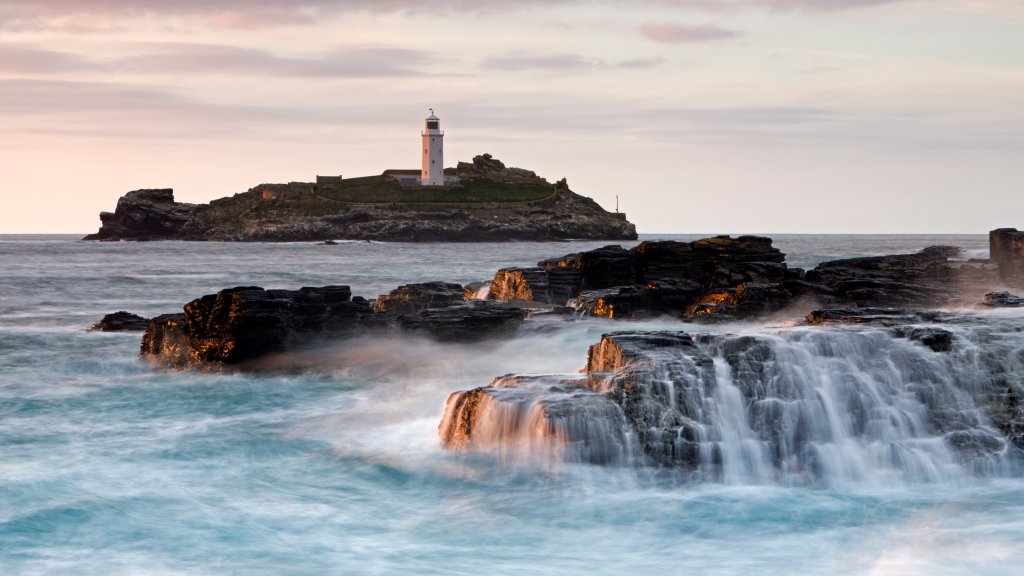
Godrevy Lighthouse, Godrevy Island, Cornwall, UK
Sign in to add this photo to your favorites and desktop wallpaper rotation.
Godrevy Lighthouse is a prominent landmark located on Godrevy Island, just off the coast of Cornwall, UK. The lighthouse was built in 1858-1859 and was first lit in 1859. It was constructed in response to numerous shipwrecks in the area, particularly the tragic sinking of the SS Nile in 1854, which highlighted the need for a navigational aid. The lighthouse stands approximately 26 meters (85 feet) tall and is made of granite. It was originally equipped with a paraffin lamp, which was later converted to electricity. The light was automated in 1939, eliminating the need for a permanent lighthouse keeper. Godrevy Lighthouse is situated at the eastern end of St Ives Bay and marks the Stones Reef, a hazardous area for shipping. The lighthouse is not open to the public, but it can be viewed from the mainland, particularly from Godrevy Point, which is part of the National Trust's Godrevy Headland. The area is popular with walkers and offers stunning views of the lighthouse and the surrounding coastline. The lighthouse and its surroundings have inspired various works of art and literature, most notably Virginia Woolf's novel "To the Lighthouse," although the book is set in Scotland, the author was inspired by her visits to Godrevy during her childhood. The lighthouse remains an important symbol of maritime safety and a picturesque feature of the Cornish landscape.