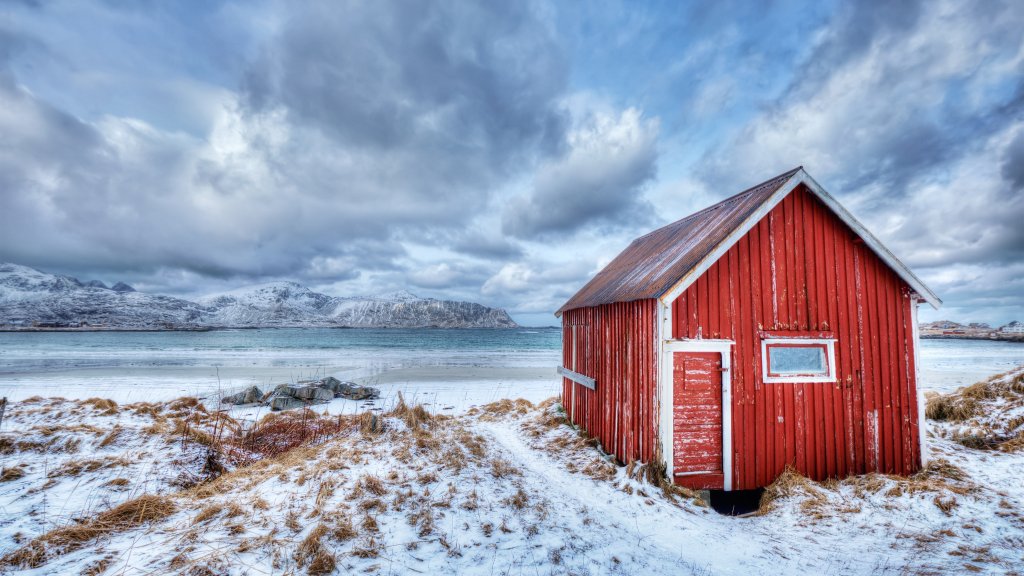
Skagsanden Beach, Lofoten Islands, Norway
Sign in to add this photo to your favorites and desktop wallpaper rotation.
Skagsanden Beach is a stunning coastal destination located on the Lofoten Islands in Norway. Known for its dramatic natural beauty, the beach is characterized by its white sands and striking backdrop of rugged mountains. The Lofoten Islands themselves are renowned for their picturesque landscapes, and Skagsanden Beach is no exception. One of the unique features of Skagsanden Beach is its popularity among photographers, particularly those interested in capturing the Northern Lights. The beach's location within the Arctic Circle makes it an excellent spot for viewing this natural phenomenon during the winter months. The combination of the aurora borealis dancing in the sky and the reflection on the wet sands creates breathtaking photographic opportunities. In addition to its appeal for photographers, Skagsanden Beach is also a favorite spot for surfers, despite the cold waters. The beach's waves attract surfers from around the world, and the scenic surroundings provide a memorable backdrop for the sport. Visitors to Skagsanden Beach can also enjoy hiking and exploring the surrounding area. The Lofoten Islands offer numerous trails and outdoor activities, allowing visitors to immerse themselves in the region's natural beauty. The beach is accessible by road, and there are nearby accommodations ranging from traditional Norwegian cabins to modern hotels. Overall, Skagsanden Beach is a must-visit destination for those traveling to the Lofoten Islands, offering a unique combination of natural beauty, outdoor activities, and opportunities to witness the awe-inspiring Northern Lights.