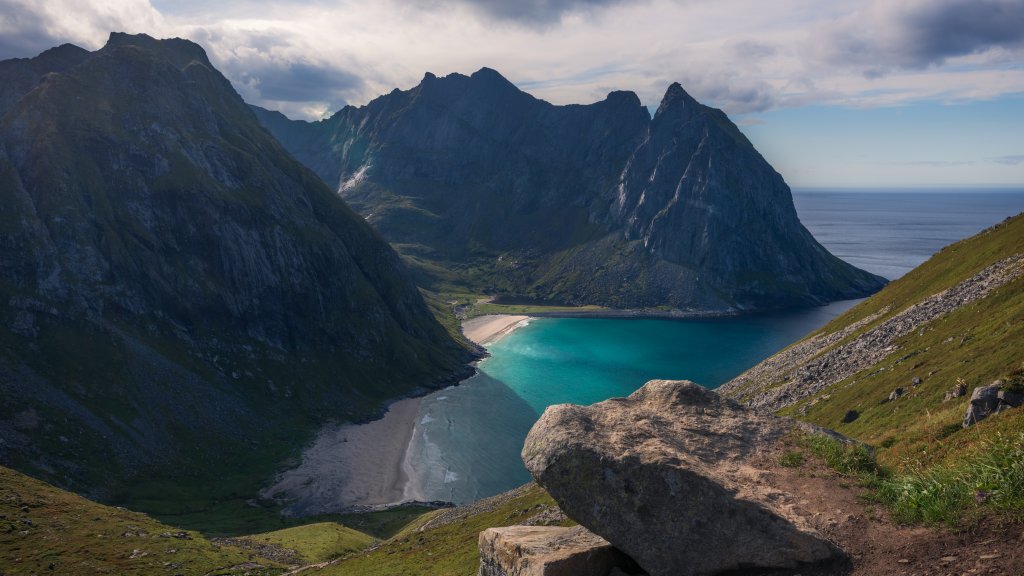
Kvalvika Bay, Lofoten Islands, Norway
Sign in to add this photo to your favorites and desktop wallpaper rotation.
Kvalvika Bay is a picturesque and remote beach located on the Lofoten Islands in Norway. Known for its stunning natural beauty, the bay is surrounded by dramatic mountains and features a pristine sandy beach that is accessible only by foot. The hike to Kvalvika Bay is a popular activity for outdoor enthusiasts and typically takes about one to two hours, depending on the chosen route and starting point. The trail offers breathtaking views of the surrounding landscapes, making the journey as rewarding as the destination itself. The bay is a favorite spot for photographers and nature lovers, offering opportunities to witness the Northern Lights in winter and the Midnight Sun in summer. The area is relatively untouched, providing a sense of tranquility and isolation. Visitors often camp overnight to fully experience the serene environment and the natural beauty of the Lofoten Islands. Kvalvika Bay gained additional fame after being featured in the documentary "North of the Sun," which tells the story of two surfers who spent a winter living in a self-built cabin on the beach, surfing the frigid waters and collecting marine debris. This story has contributed to the bay's allure and has inspired many to visit and appreciate its unique charm.