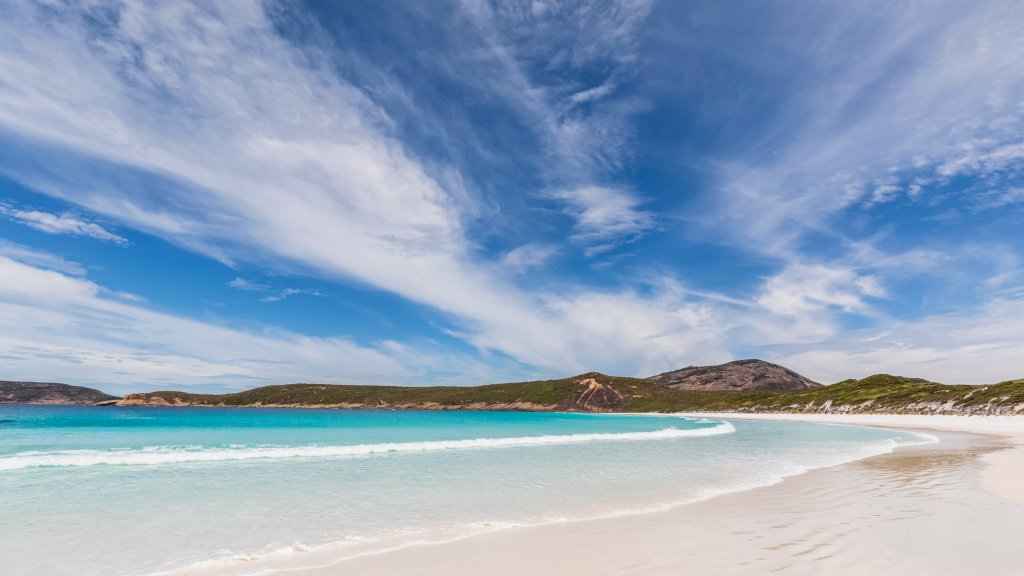
Cape Le Grand National Park, Hellfire Bay, AU
Sign in to add this photo to your favorites and desktop wallpaper rotation.
Cape Le Grand National Park is a stunning natural reserve located in Western Australia, approximately 50 kilometers east of the town of Esperance. Known for its breathtaking coastal scenery, the park is home to some of the most beautiful beaches in Australia, with Hellfire Bay being one of its standout attractions. Hellfire Bay is renowned for its pristine white sands and crystal-clear turquoise waters, making it a popular spot for swimming, snorkeling, and sunbathing. The bay is framed by granite headlands and offers a picturesque setting that attracts photographers and nature lovers alike. The surrounding landscape features rugged granite peaks, heathlands, and wildflowers, providing a diverse habitat for various wildlife species. Visitors to Cape Le Grand National Park can enjoy a range of outdoor activities, including hiking, fishing, and camping. The park offers several walking trails, with the Frenchman Peak trail being a favorite for those seeking panoramic views of the park and its coastline. Wildlife enthusiasts may also encounter kangaroos, emus, and a variety of bird species during their visit. Cape Le Grand National Park is accessible by car, and there are facilities such as picnic areas and campgrounds available for visitors. The park's natural beauty and serene environment make it a must-visit destination for anyone exploring the southern coast of Western Australia.