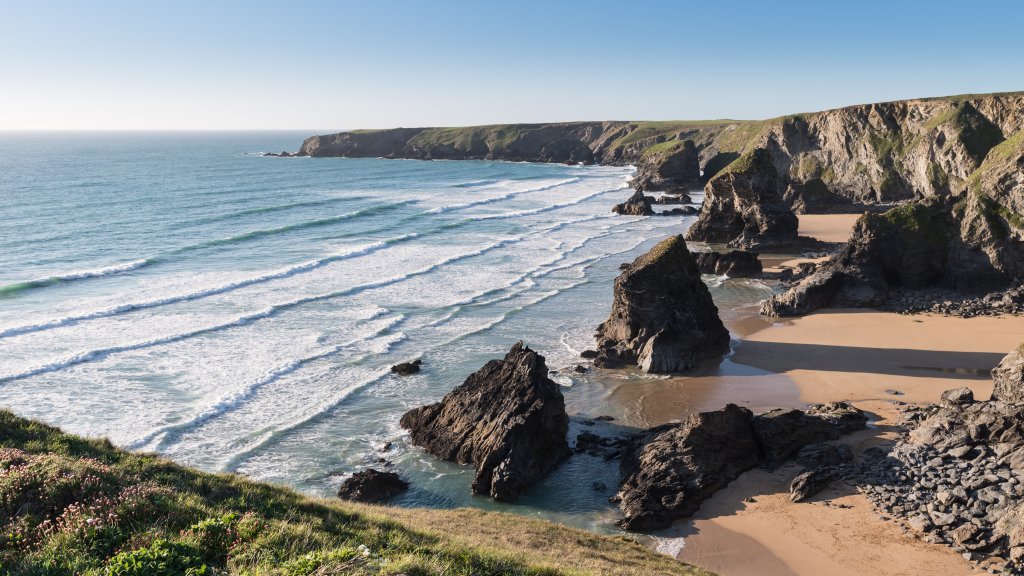
Bedruthan Steps, Cornwall, England
Sign in to add this photo to your favorites and desktop wallpaper rotation.
Bedruthan Steps is a dramatic and picturesque stretch of coastline located on the north coast of Cornwall, England, between Newquay and Padstow. It is renowned for its stunning natural beauty, featuring towering sea stacks, rugged cliffs, and expansive sandy beaches. The area is part of the Cornish coast that offers breathtaking views and is popular with tourists, walkers, and photographers. The name "Bedruthan Steps" is often associated with the series of large rock formations that are scattered along the beach, which, according to local legend, were used as stepping stones by a giant named Bedruthan. However, it's important to note that the name also refers to the steep staircase that once provided access to the beach from the cliff tops. Due to erosion and safety concerns, the steps have been closed to the public in recent years. The site is managed by the National Trust, which helps preserve its natural environment and ensures that visitors can enjoy the scenic views from the coastal path. The area is part of the Cornwall Area of Outstanding Natural Beauty and offers opportunities for hiking, birdwatching, and exploring the diverse flora and fauna. Visitors should be cautious of the tides, as the beach can become cut off at high tide, and it's important to check tide times before venturing down to the beach. Despite the closure of the steps, the cliffs and surrounding landscape continue to attract visitors who come to experience the rugged beauty of this iconic Cornish location.