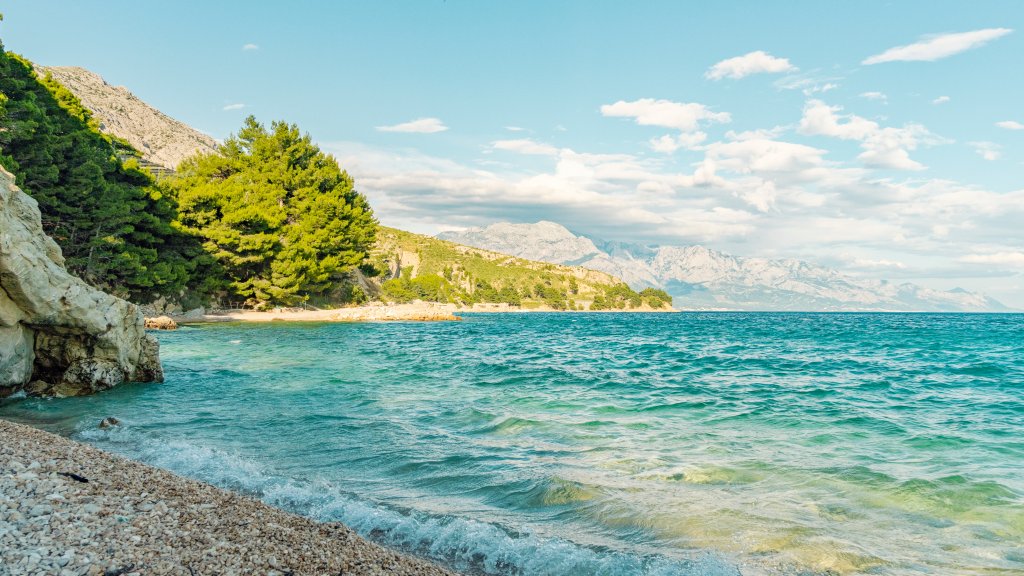
Artina Beach, Croatia
Sign in to add this photo to your favorites and desktop wallpaper rotation.
Artina Beach is a picturesque destination located in Croatia, known for its stunning natural beauty and serene atmosphere. Situated along the Adriatic coast, this beach is characterized by its clear turquoise waters and pebbly shoreline, making it an ideal spot for relaxation and enjoying the scenic surroundings. The beach is often less crowded compared to more popular tourist spots, offering a more tranquil experience for visitors. The surrounding area of Artina Beach is rich in natural landscapes, with lush greenery and rocky cliffs providing a beautiful backdrop. It's a great location for swimming, sunbathing, and snorkeling, as the waters are typically calm and inviting. Additionally, the beach's relatively secluded nature makes it a perfect getaway for those looking to escape the hustle and bustle of busier tourist areas. Visitors to Artina Beach can also explore nearby attractions and enjoy local Croatian cuisine at nearby restaurants and cafes. The region is known for its hospitality and offers a variety of accommodations to suit different preferences and budgets. Whether you're looking for a peaceful retreat or an opportunity to explore the natural beauty of Croatia, Artina Beach is a charming destination worth considering.