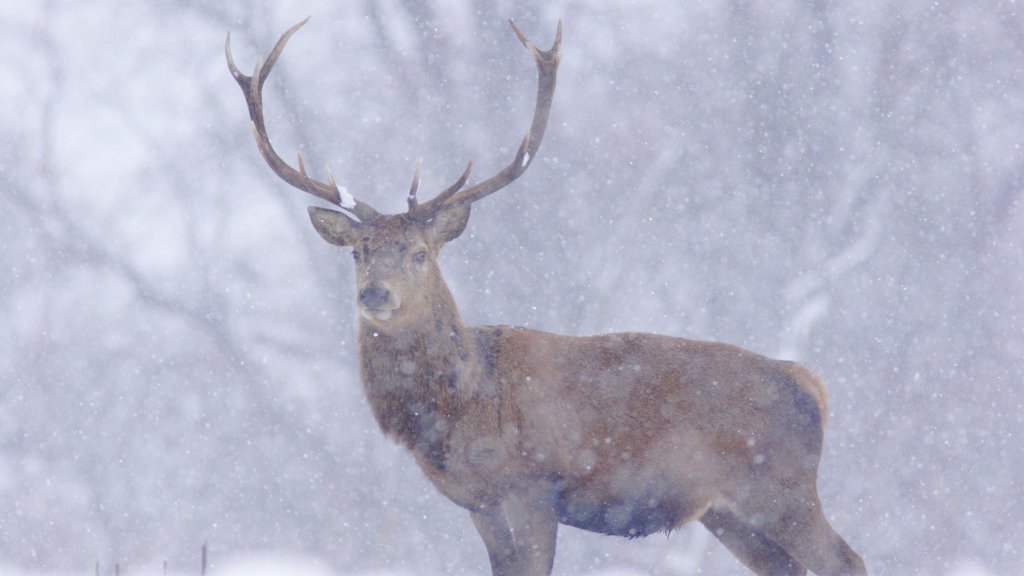
Red Deer Stag, Yorkshire, UK
Sign in to add this photo to your favorites and desktop wallpaper rotation.
The Red Deer (Cervus elaphus) is the largest land mammal native to the UK and is found in various regions, including Yorkshire. The stag, or male deer, is particularly notable for its impressive size and antlers, which it uses during the rutting season to compete for mates. In Yorkshire, Red Deer can often be found in areas of open moorland, forests, and large estates where they have been introduced or managed for conservation and sporting purposes. Red Deer stags are characterized by their large, branching antlers, which they shed and regrow annually. These antlers can be quite large and are a symbol of the stag's maturity and fitness. During the rutting season, which typically occurs in the autumn, stags engage in vocal displays known as "roaring" and may physically clash with other males to establish dominance and win the right to mate with females, known as hinds. In Yorkshire, Red Deer populations are managed to balance ecological impacts with conservation and recreational interests. They play a role in the local ecosystem by influencing vegetation patterns and providing opportunities for wildlife observation and photography. Conservation efforts often focus on maintaining healthy populations while mitigating potential conflicts with agriculture and forestry. Overall, the Red Deer stag is an iconic and majestic presence in the Yorkshire landscape, contributing to the region's natural heritage and biodiversity.