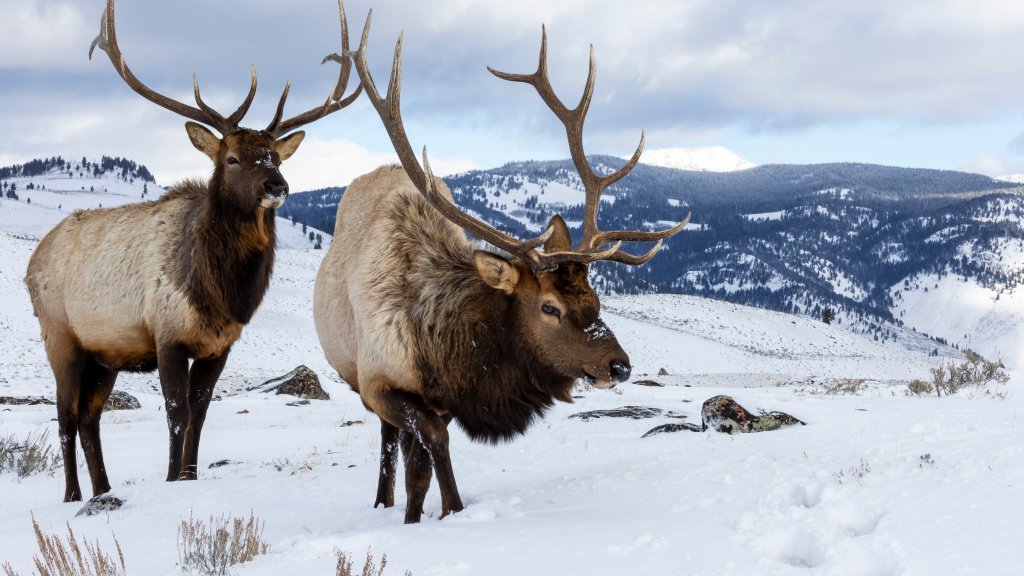
Pair of Bull Elk, Yellowstone National Park, WY
Sign in to add this photo to your favorites and desktop wallpaper rotation.
Bull elk grazing in Yellowstone National Park is a captivating sight, showcasing the resilience and adaptability of these majestic animals. During the winter months, Yellowstone's landscape is often blanketed in snow, creating a challenging environment for wildlife. However, bull elk are well-adapted to these conditions. With their large, powerful bodies and thick coats, bull elk can withstand the cold temperatures. They use their strong necks and sharp hooves to dig through the snow in search of grasses and other vegetation. Despite the scarcity of food during winter, elk are able to survive by relying on their fat reserves built up during the summer and fall. The presence of bull elk in the snow also plays a crucial role in the park's ecosystem. As they graze, they help to maintain the balance of plant life, preventing overgrowth and promoting biodiversity. Additionally, their movements through the snow can create pathways that other animals might use. Observing bull elk in this winter setting offers a unique glimpse into the natural world, highlighting the beauty and complexity of Yellowstone's wildlife. Visitors to the park during this time can witness these impressive creatures in their natural habitat, often against the stunning backdrop of snow-covered landscapes.